A DIN rail WiFi energy meter in Kenya usually means one of two jobs at the panel: watching the numbers, or acting on them. The Atorch AT4PW lets you switch the connected load on or off from the app, while the Atorch GR2PWS takes a unit allowance and cuts power itself once that allowance is used up. This guide is for anyone fitting a meter in a distribution board at home, in a rental or on a business premises, and it will help you choose between the two before you buy.

What does a DIN rail WiFi energy meter actually do?
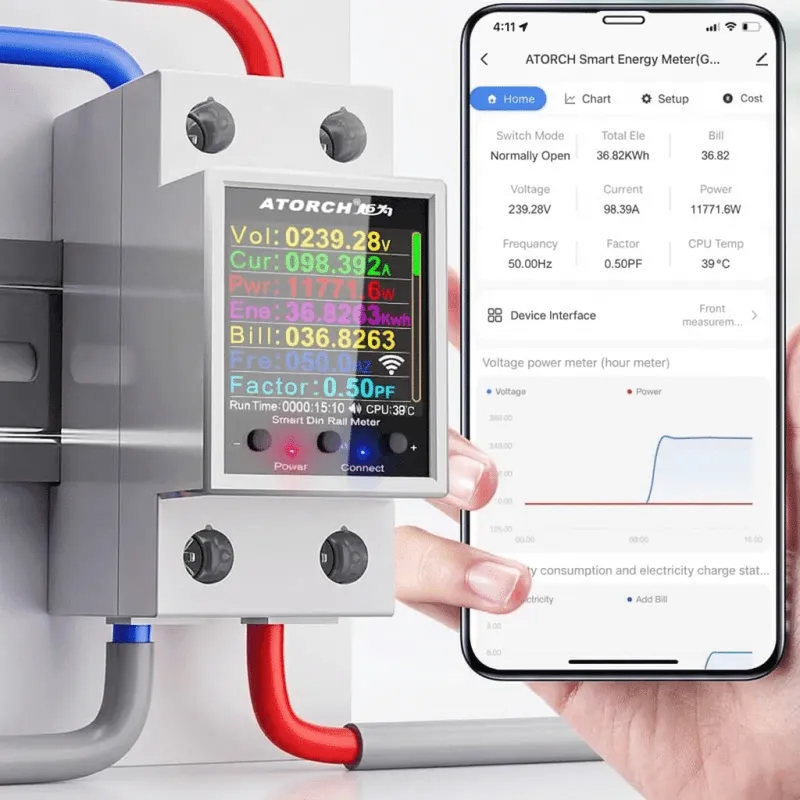
It clips onto the rail inside your distribution board, measures the current passing through it, and sends the readings over WiFi to an app on your phone. Both meters here take up to 100A and show readings on an LCD at the panel as well as in the app.
The part people miss is that the two units differ in how far that control goes. One gives you a remote switch; the other gives you a rule that runs on its own. That single difference decides which one belongs in your board.
Both run on WiFi and use the Tuya or Smart Life app, so you set them up the same way. Neither works with Alexa or Google, so plan to control them from the app rather than by voice.
Which one lets you cut power from the app?
The Atorch AT4PW. Once it is on WiFi, the connected load can be switched on or off remotely from the Smart Life app, so you are not limited to reading the numbers.
It covers up to 100A and 26,500W across 85 to 265V AC. Live readings for voltage, current, frequency, power and total kWh show on an onboard colour LCD and in the app, so the figures are there whether or not you have your phone at the panel.
This suits a home keeping an eye on the bill, a business tracking what equipment draws, or a solar installation where you want to watch output against load. It is also the one to pick if you want to switch a circuit off from another room without walking to the board.

Which one cuts power by itself on a set allowance?
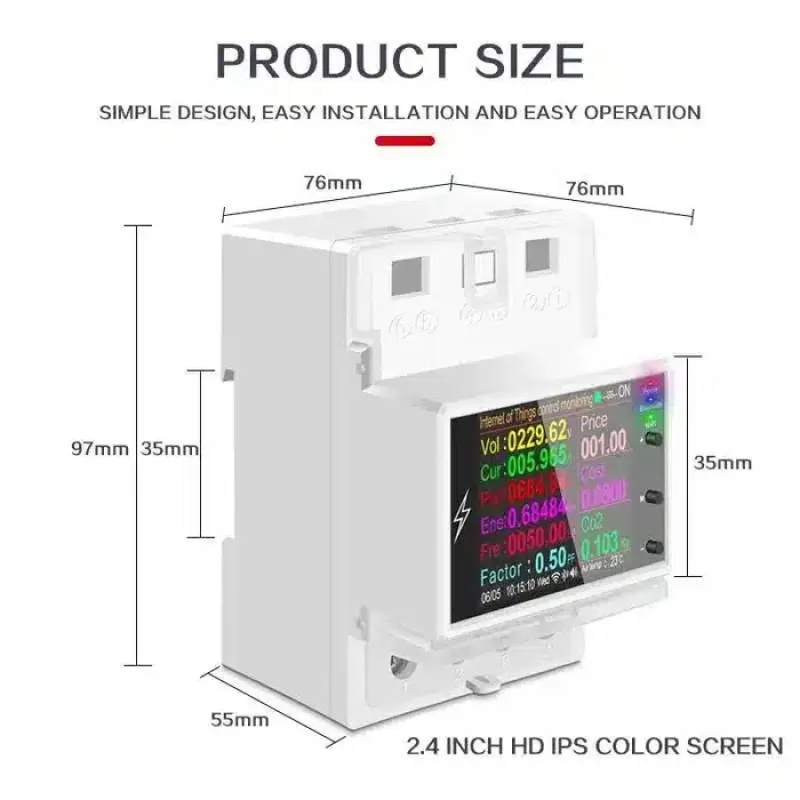
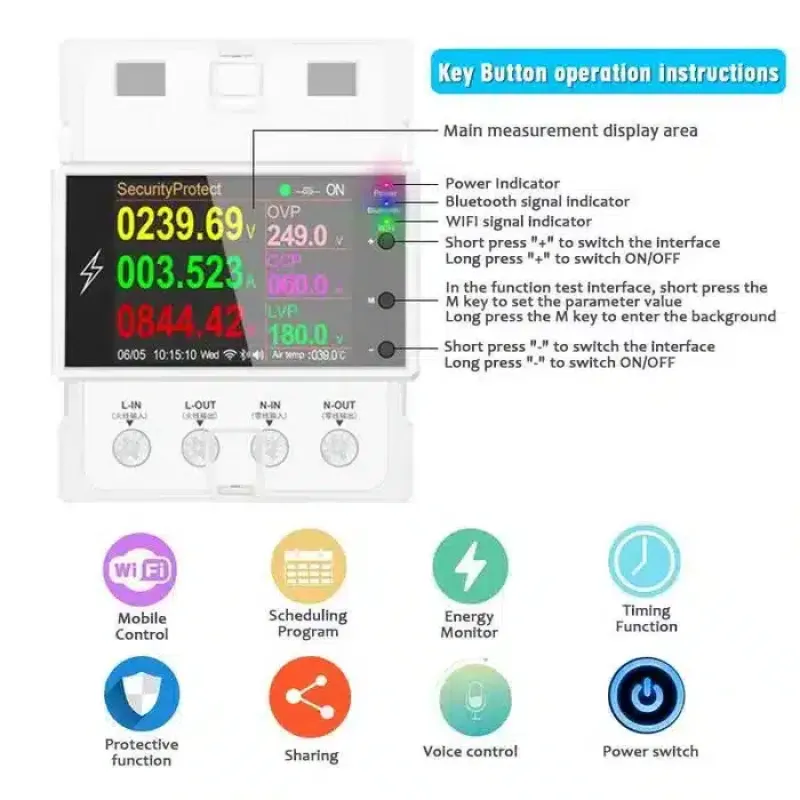
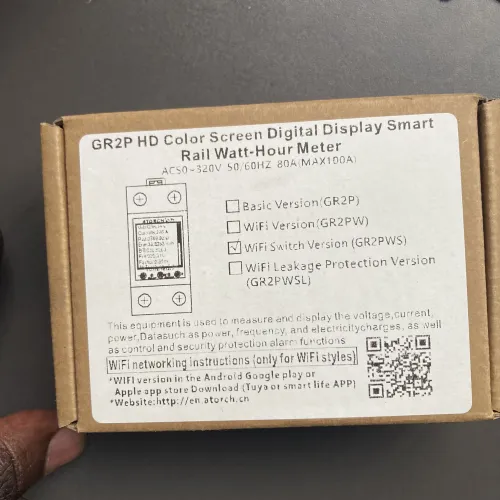
The Atorch GR2PWS. It has a relay built in, so you set a unit allowance in the Tuya or Smart Life app and the meter cuts power automatically once that allowance is used up. Nobody has to remember to check and switch off; the unit does it.
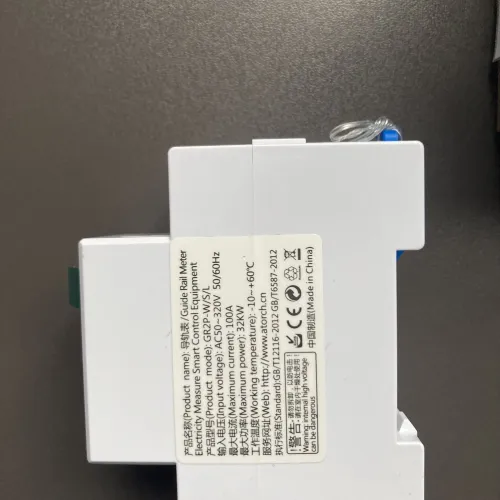
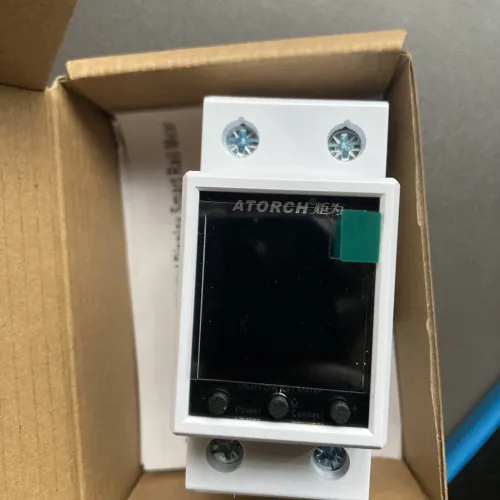
That makes it the fit for a landlord on a shared or prepaid meter who needs usage capped rather than just watched. It mounts on DIN rail, handles up to 100A and 32,000W across a wide 50 to 320V AC range, and shows readings on its LCD display.
Historical usage graphs in the app make an unusual jump in consumption easy to spot before it turns into a large bill. The AT4PW has no equivalent allowance cut-off, so if the cap is the point, this is the model.
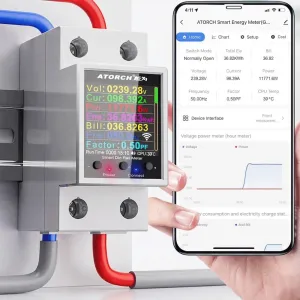
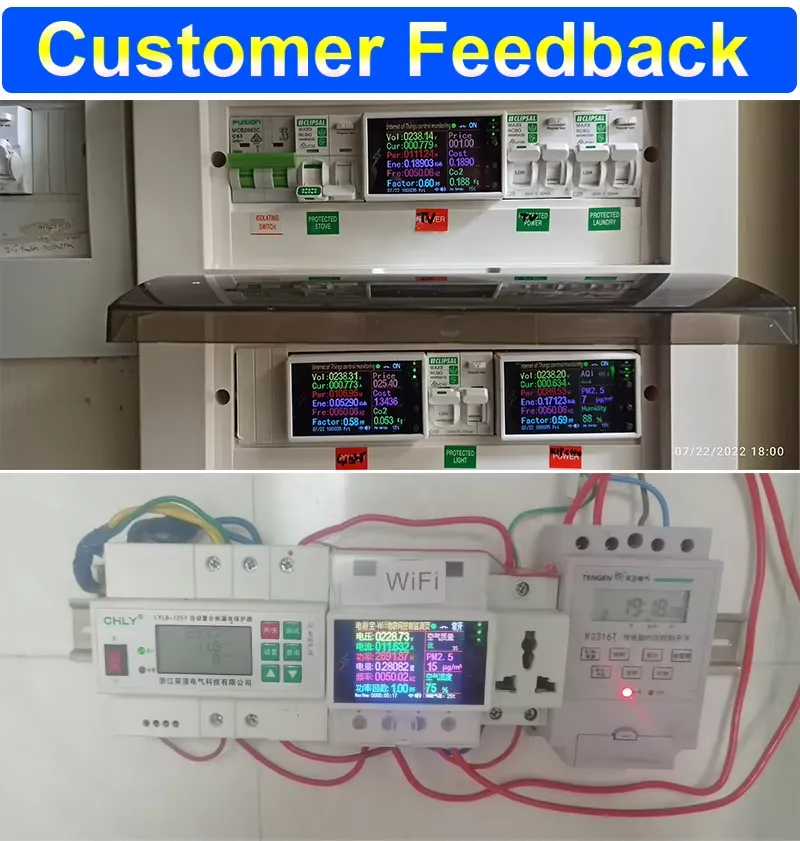
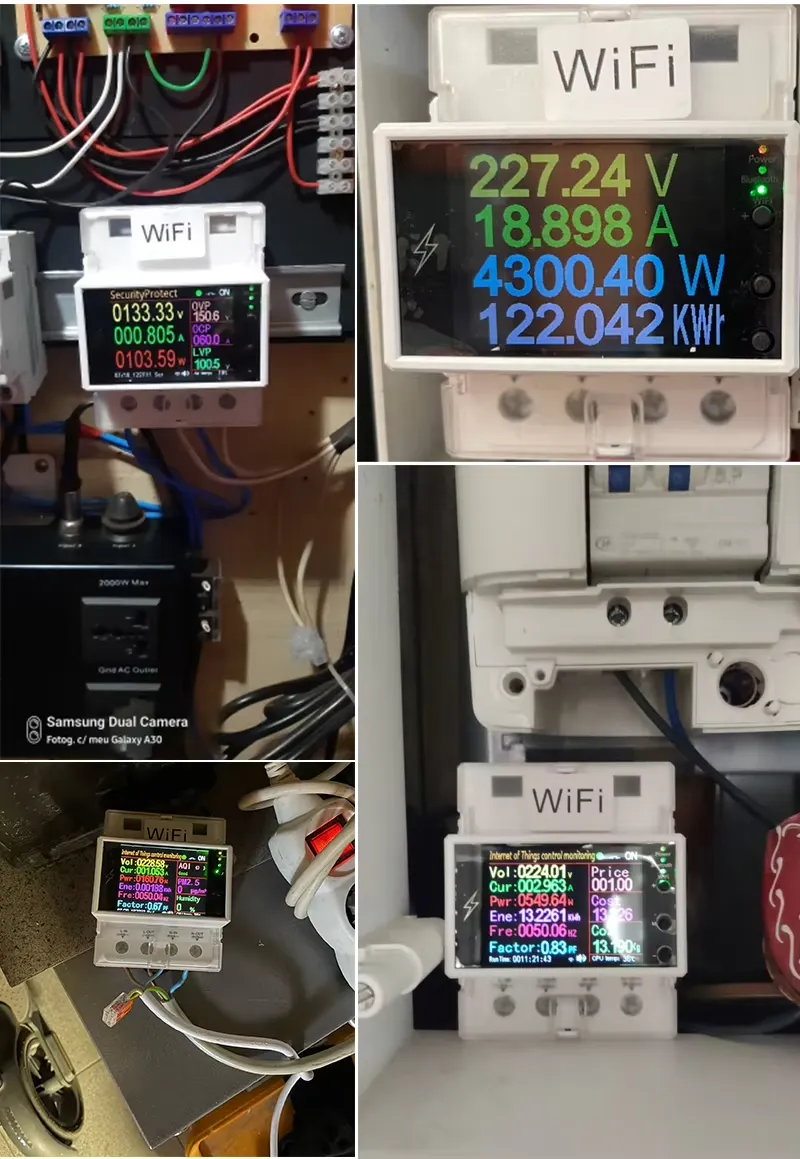
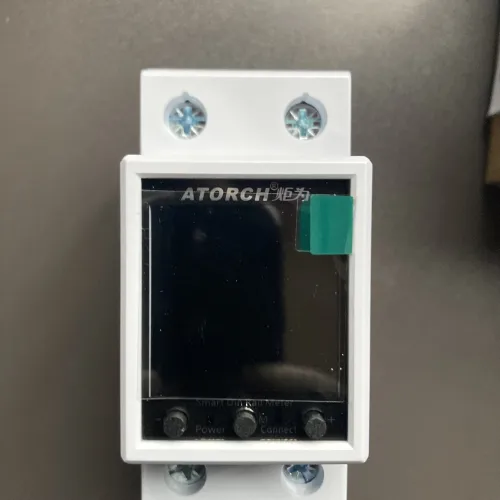
Actual product photos ofAtorch GR2PWS WiFi Smart
How do you know which meter suits your panel?
Start with what you want to happen when nobody is looking. If the answer is nothing, and you only want to see and switch, the AT4PW covers it. If the answer is that power should stop at an agreed amount, the GR2PWS does that by itself.
Then check the load and the supply. Both are rated to 100A, but their voltage ranges differ: 85 to 265V AC on the AT4PW against 50 to 320V AC on the GR2PWS. Confirm your supply falls inside the range of the one you pick.
- Decide whether you need remote switching or an automatic unit cut-off.
- Check your supply voltage against the meter's range before fitting.
- Confirm the total load on the circuit stays within 100A.
- Check WiFi reaches the distribution board.
- Plan who holds the app login if the meter caps someone else's usage.
Get those five answers and the choice is usually obvious before you reach the product page.
How do the two Atorch meters compare side by side?
The headline figures are close, so the deciding factor is control. The AT4PW switches on command; the GR2PWS acts on a set allowance without anyone touching it.
| Feature | Atorch GR2PWS WiFi Smart Energy Meter | Atorch AT4PW WiFi Smart Energy Meter |
|---|---|---|
| Product | ||
| Price | KSh 5,500 | KSh 5,000 Sold out |
| Voltage Range | 50–320V AC | 85–265V AC (highest) |
| Max Wattage | 32000W (highest) | 26500W |
| Current Range | 0–100A | 0–100A |
| Display Type | LCD | LCD |
| Stands out | Highest max wattage | Highest voltage range |
| Suits | Landlords on a shared or prepaid meter who need to cap usage automatically, not just monitor it | Home energy budgeting, business premises tracking equipment draw |
| Link | View & Buy | View & Buy |

Read the table for the differences that matter to your board, not for a winner. The right unit is the one whose behaviour matches how the circuit is actually used.
What is the honest limit of each meter?
The AT4PW cannot enforce a usage limit on its own. It will switch when you tell it to, but if the point is to stop a tenant or a workshop running past an allowance without you watching, it leaves that job to you.
The GR2PWS gives you the automatic cut-off, and with it less hands-on control over individual switching decisions. You are trusting the allowance rule, so set it with the same care you would give any shared meter.
Neither model works with Alexa or Google. If voice control matters to you, these are not the meters for that; if the app is enough, both are straightforward to run.
Related guide · 3 min readBest Smart Plugs & Energy Monitors in Kenya: See What Your Appliances Cost →See the Atorch GR2PWSKSh 5,500 · In stock
Which one should you pick?
Pick the Atorch AT4PW WiFi Smart Energy Meter if
- You want to switch the load on or off from your phone.
- You mainly want live readings for a home, business or solar setup.
- You do not need the meter to enforce a usage limit by itself.
Pick the Atorch GR2PWS WiFi Smart Energy Meter if
- You need power to stop at a set unit allowance automatically.
- You run a shared or prepaid meter as a landlord.
- You want historical usage graphs to spot unusual consumption.
Where you would use it
- Home budgeting Watch total kWh through the month and switch heavy loads off from your phone.
- Business premises Track what equipment draws and cut a circuit remotely when the premises close.
- Solar installations Compare output against load to see how the system is performing.
- Shared rentals Set a unit allowance so a tenant's usage stops at the agreed amount.
- Prepaid setups Cap usage automatically instead of checking the meter by hand.
Frequently asked questions
Yes, on the GR2PWS you can set a unit allowance in the app and it cuts power once that allowance is used up. The AT4PW switches the load on or off when you tell it to from the app.
The AT4PW lets you switch the connected load remotely from the app. The GR2PWS has a built-in relay that cuts power automatically once a set unit allowance is used.
The AT4PW has a colour LCD showing voltage, current, frequency, power and total kWh, and the GR2PWS has an LCD display. Both also send readings to the Tuya or Smart Life app.
No. Both are controlled through the Tuya or Smart Life app and do not support Alexa or Google.
Both have a current range of 0 to 100A. The AT4PW goes up to 26,500W across 85 to 265V AC, and the GR2PWS up to 32,000W across 50 to 320V AC.