A smart home starter pack is best built one device at a time, and the first thing to buy is a smart plug, not a hub. A Tuya WiFi Smart Plug rated 16A and up to 3200W lets you switch a heavy appliance from your phone and see what it actually draws. This guide is for anyone in Kenya starting out, and it covers what to add in what order, what to check before buying, and one honest limit of each step.
Which smart device should you buy first?
Start with a plug, because it needs no wiring and gives you something back straight away: control and a reading of what the appliance uses.
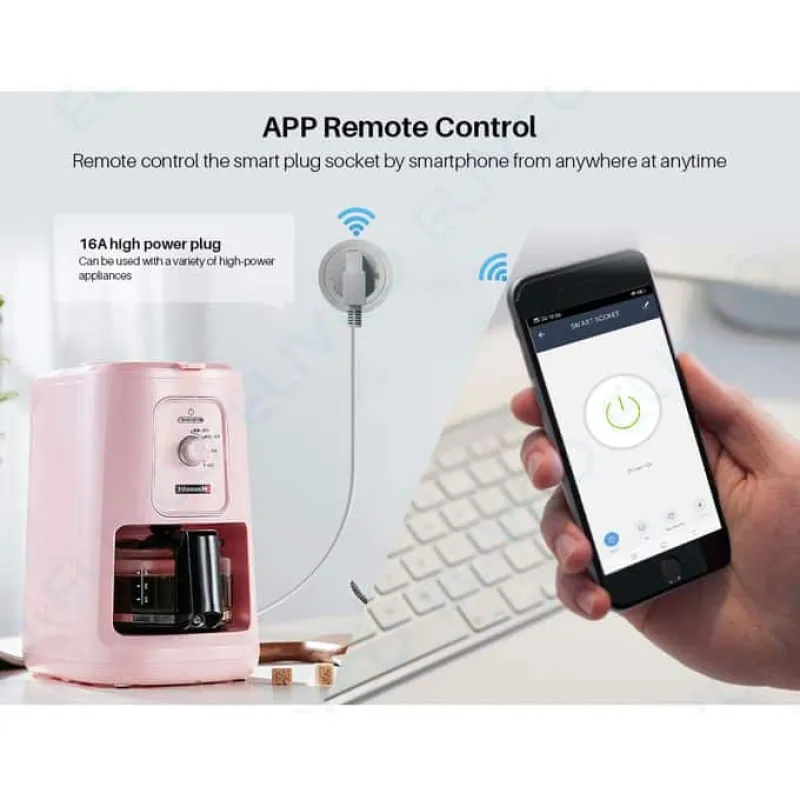
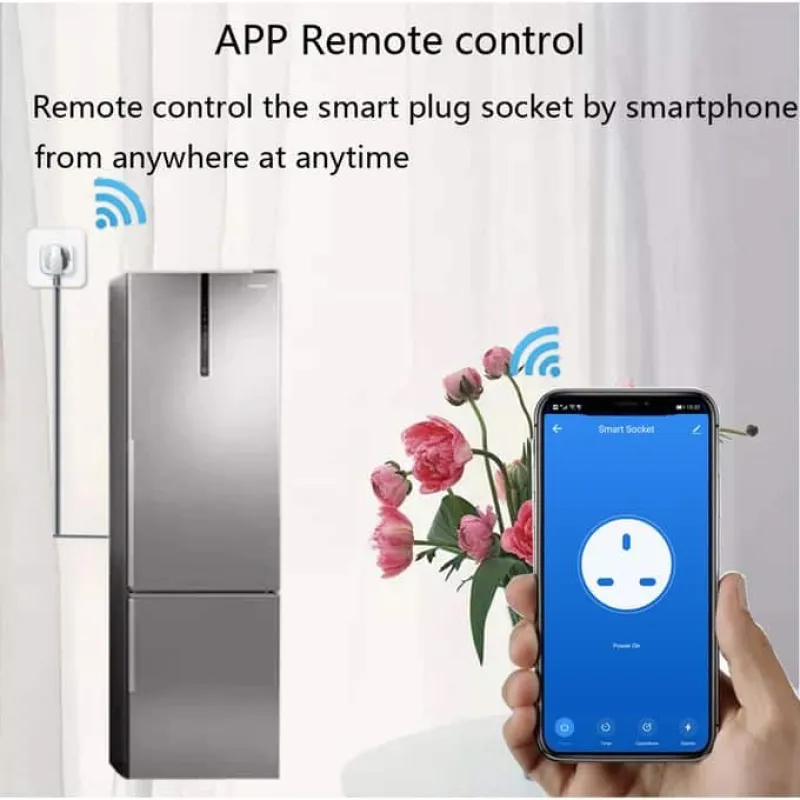
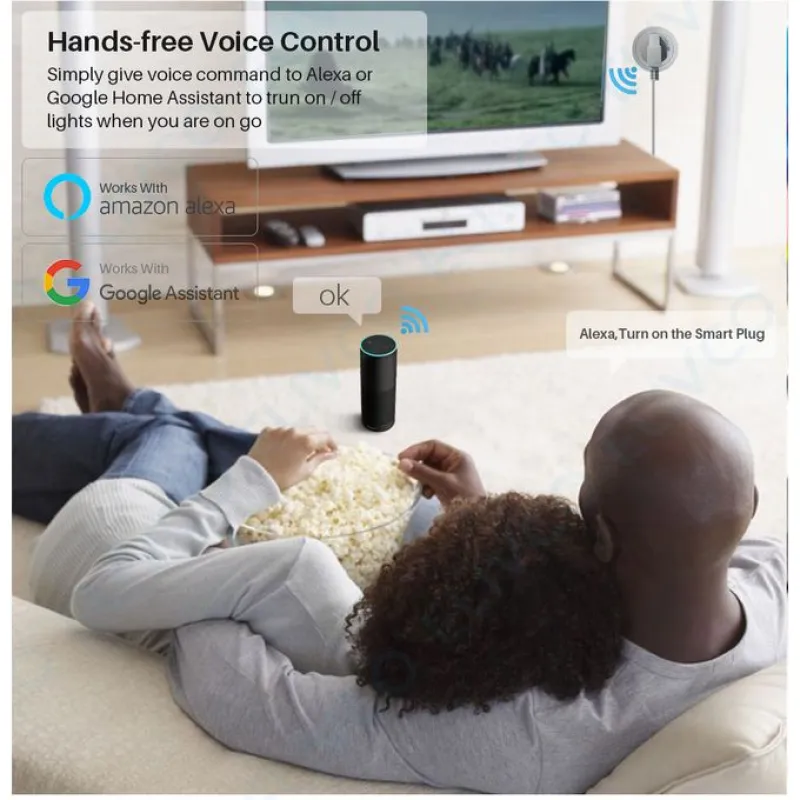
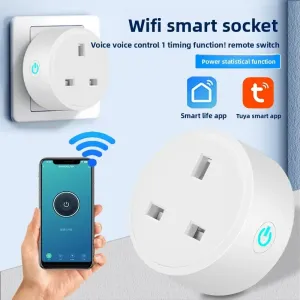
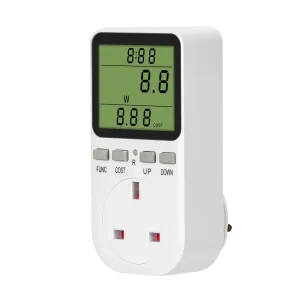
The Tuya WiFi Smart Plug can be switched three ways: the Tuya or Smart Life app, voice through Alexa or Google Home, or the physical button on the body when your phone is out of reach. It also shows live voltage, current, wattage and frequency, so you can watch what each appliance is drawing. Overload protection cuts the load if it climbs past what the socket is rated for.
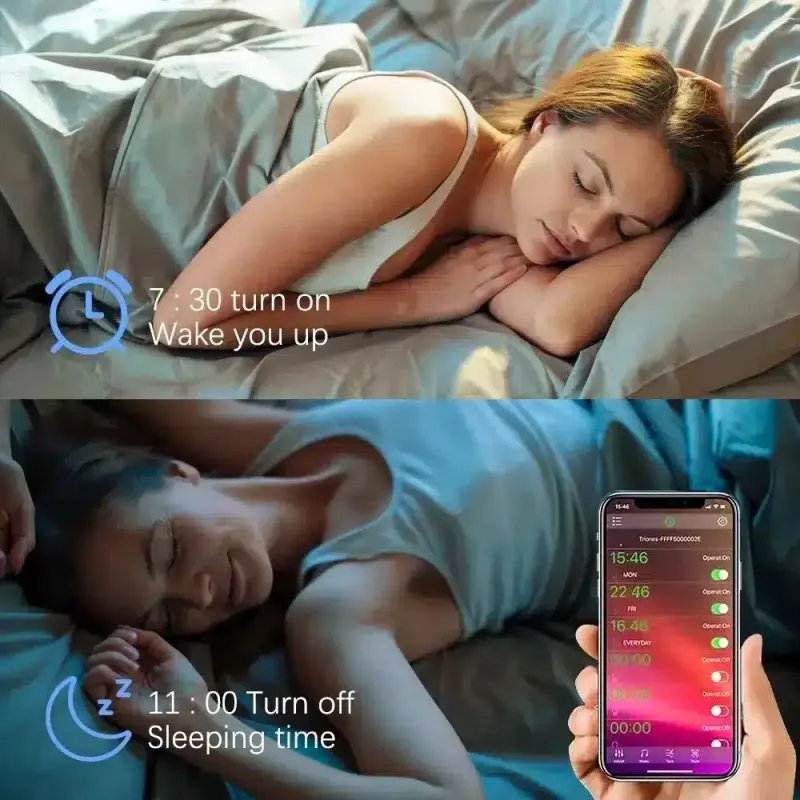
A countdown timer suits a rice cooker, kettle or lamp, and you can group it with other Tuya devices into one automation scene. The package is one plug and a quick start guide, nothing else needed.

One plug or a strip with four sockets?
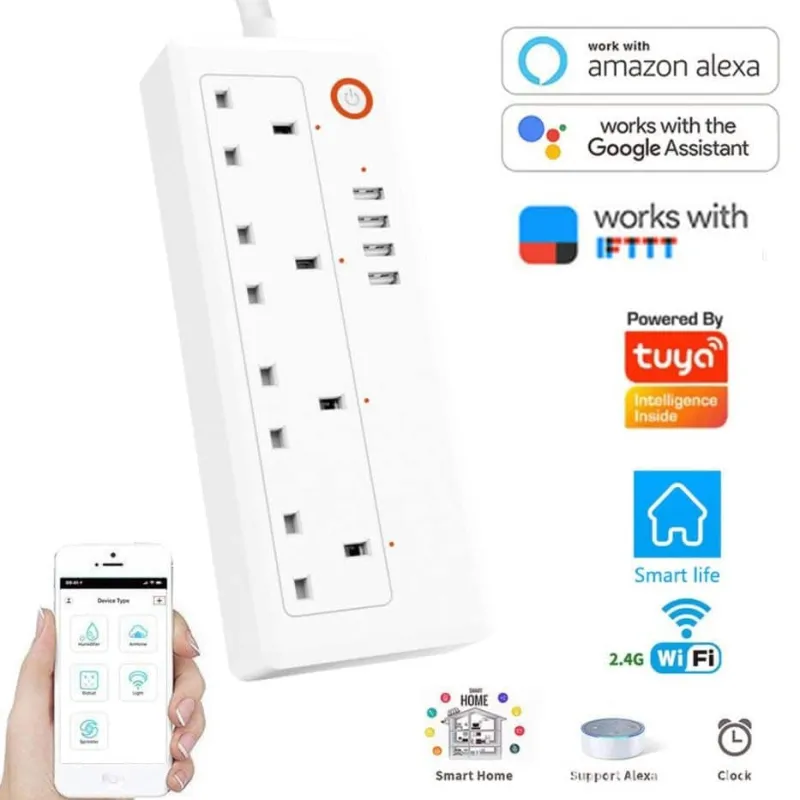
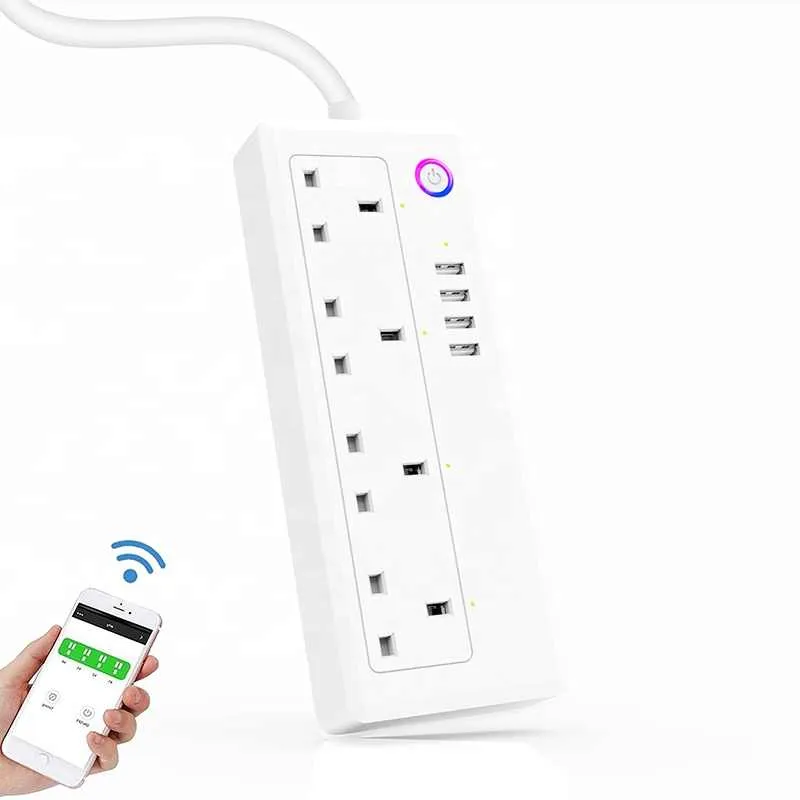
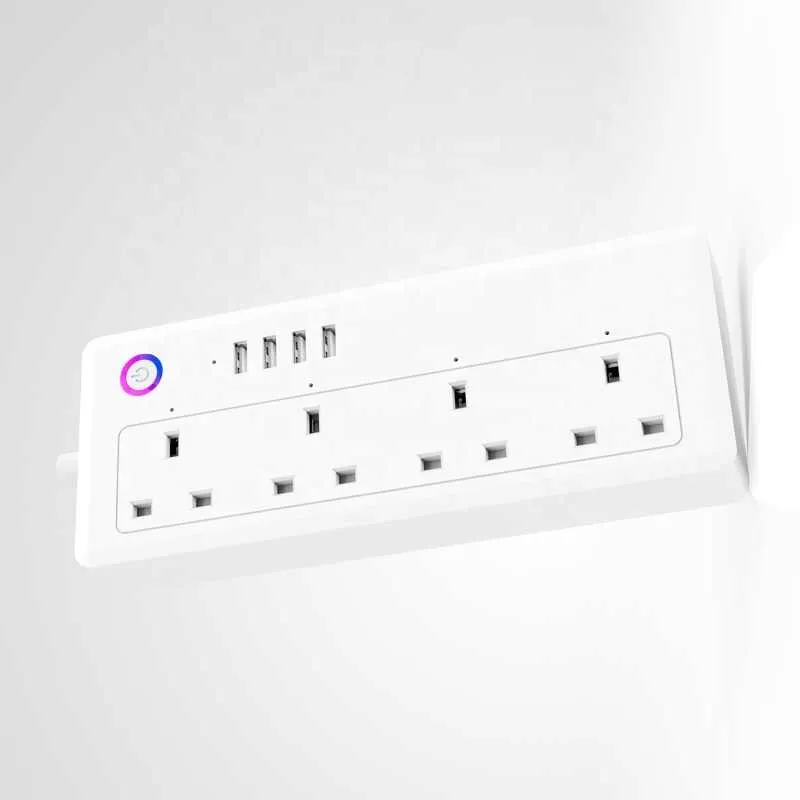
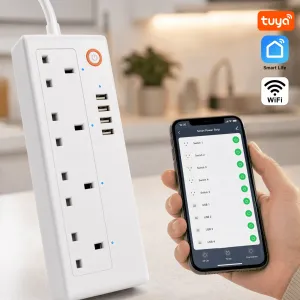
A strip makes sense when you have several things in one corner, because each socket on the Tuya Smart Power Extension Strip switches on its own rather than the whole strip together.
That individual control is the real difference from a basic multi-plug: one outlet can stay on for a fridge while everything else switches off on a schedule, and you can group sockets into one-tap scenes such as an away mode. It carries four AC outlets and four USB ports, rated up to 3200W across the strip, with surge protection and a 1.8m cord.
Here is the catch. It needs a 2.4GHz WiFi network specifically and will not connect to a 5GHz-only one, so check your router settings before you assume it will pair.
What should you check before buying a smart bulb?
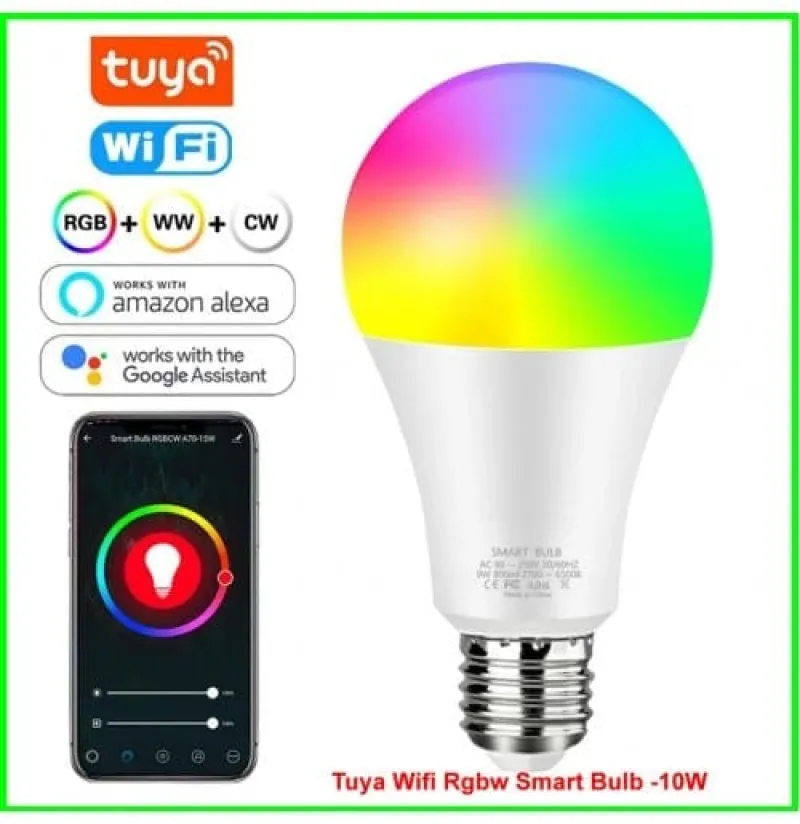
Check the fitting first, then the network. This bulb uses a standard E27 screw base, so it drops into most existing lamp holders and replaces an ordinary bulb rather than needing new fittings.
- 10W, 800 lumens
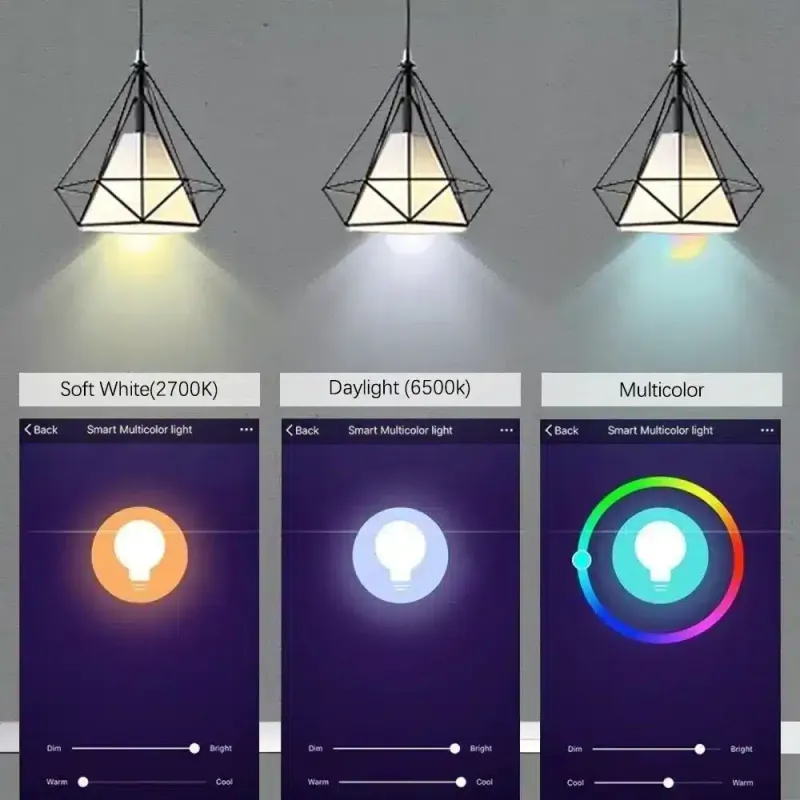
- White tuneable from 2700K to 6500K
- 16 million colours
- WiFi and Bluetooth, with the Tuya app
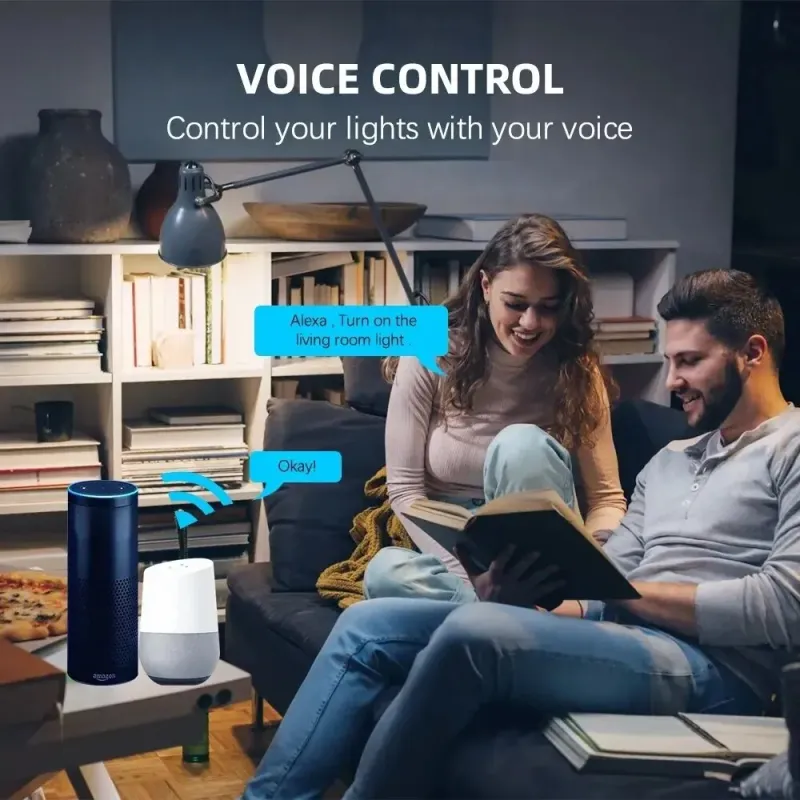
- Voice control through Alexa and Google Assistant
Altogether, it covers mood lighting and everyday use from the same fitting. It needs 2.4GHz WiFi for the app and voice features, and it still lights up from the wall switch like a normal bulb when the network is down.
When do you move up to a breaker or energy meter?
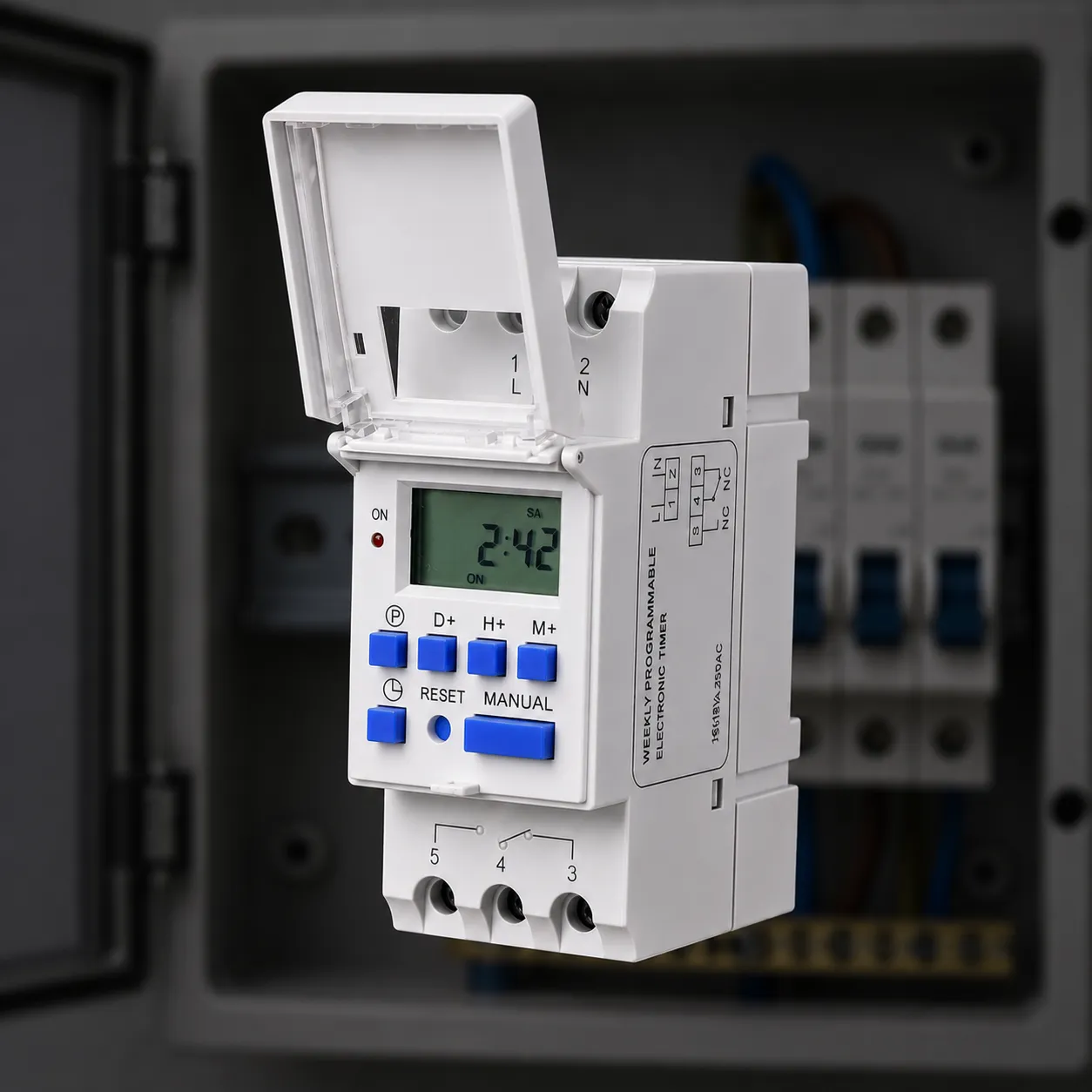
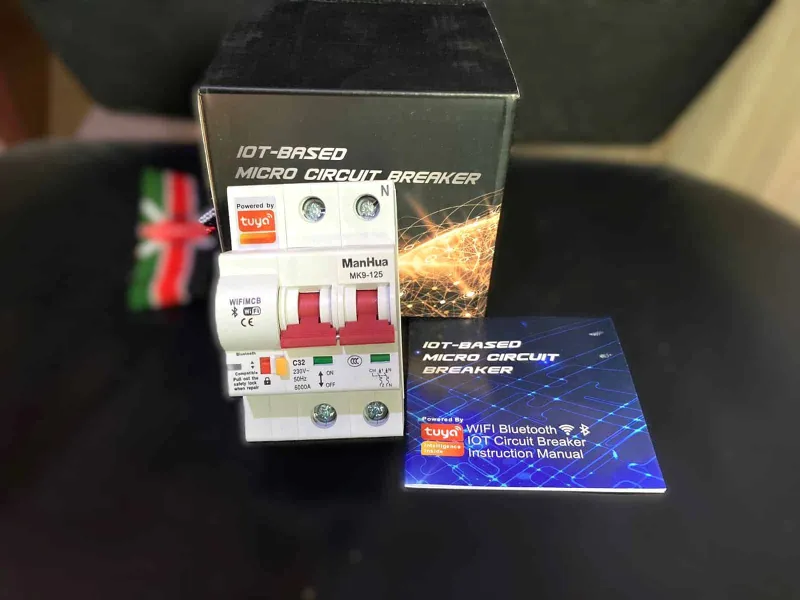
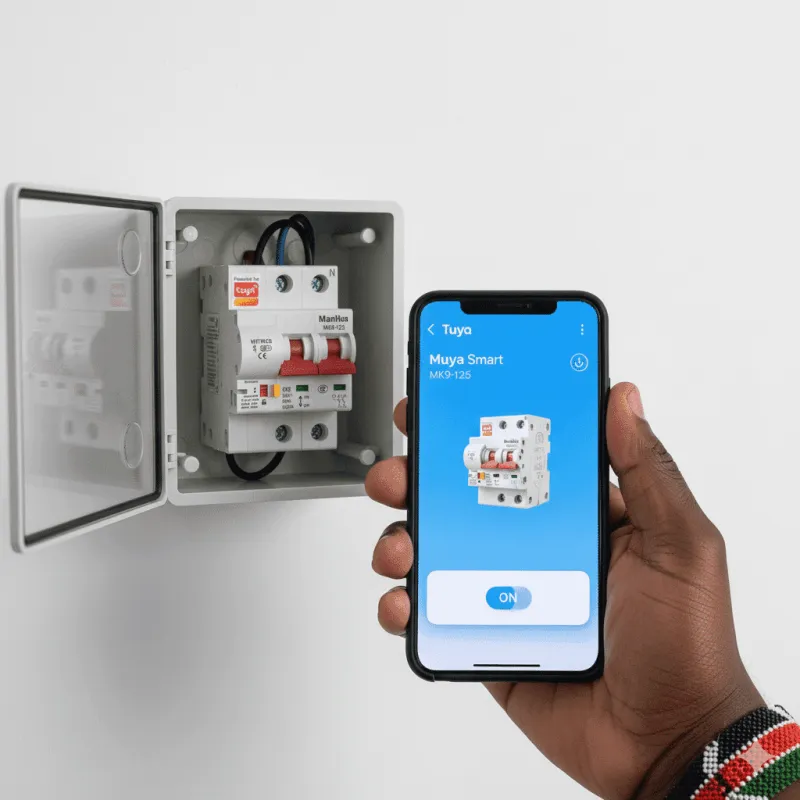
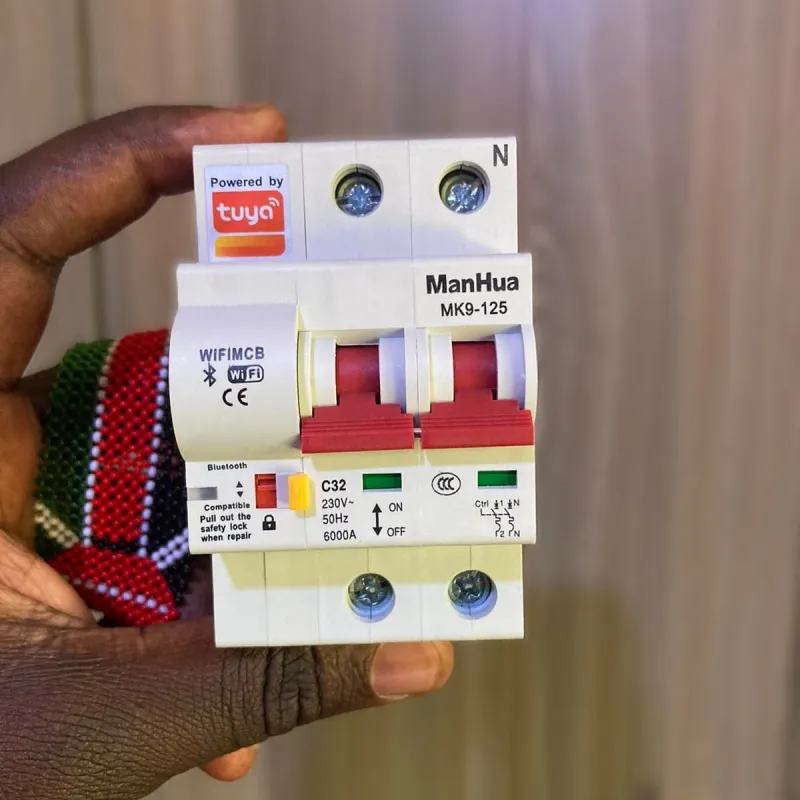
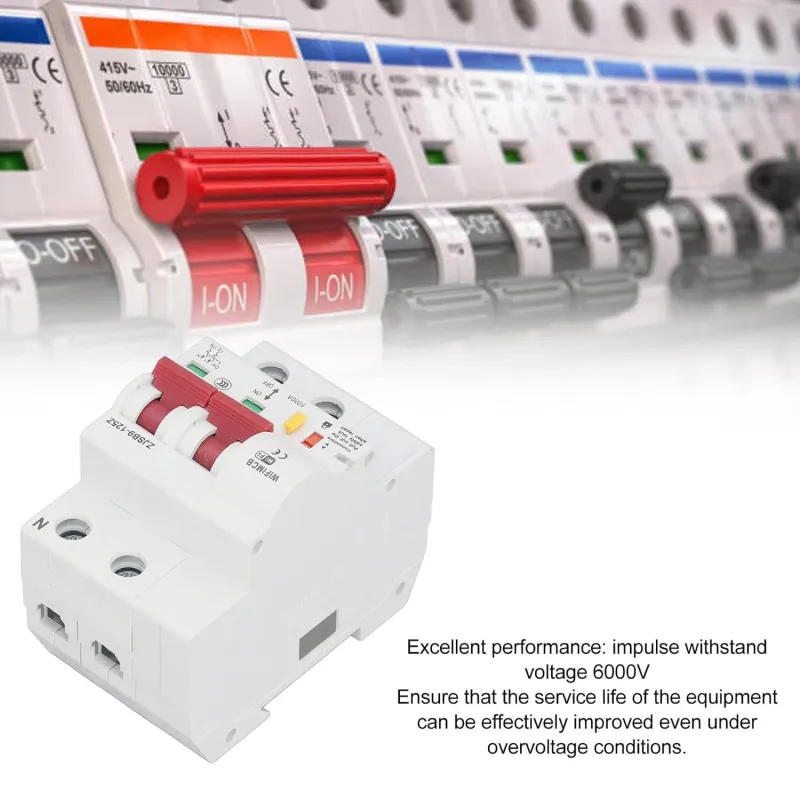
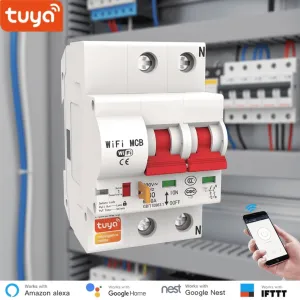
Move up when the thing you want to control is not plugged into a socket. The ManHua MK9-125 is a two pole smart breaker that switches an entire circuit at the distribution panel with a built-in motor, so you do not walk to the panel to turn something off.
It is rated 32A, mounts on a DIN rail as a breaker replacement, and works through Tuya or Smart Life, by voice with Alexa or Google Assistant. The app alerts you when it detects an overload or short circuit, scheduled circuits switch off on their own, and the physical motor does the actual switching rather than a relay alone.
Its scope is the whole circuit and everything downstream of it, not one appliance. That is a different job from a plug, so decide which you actually need before you buy.
What about tracking the whole house, or the garden?
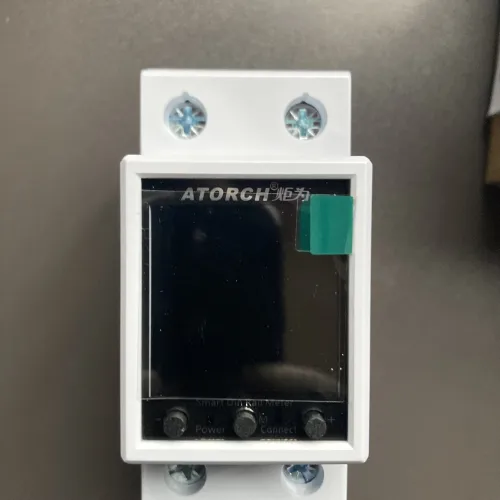
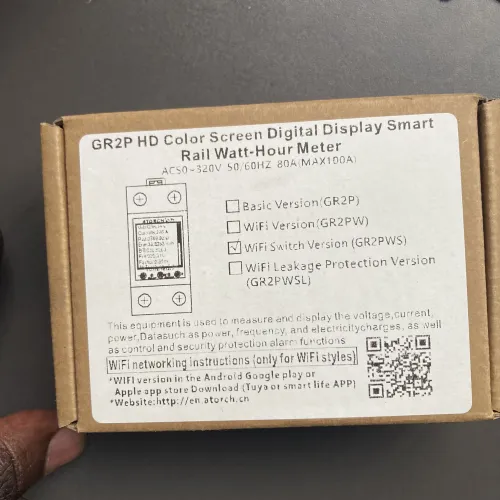
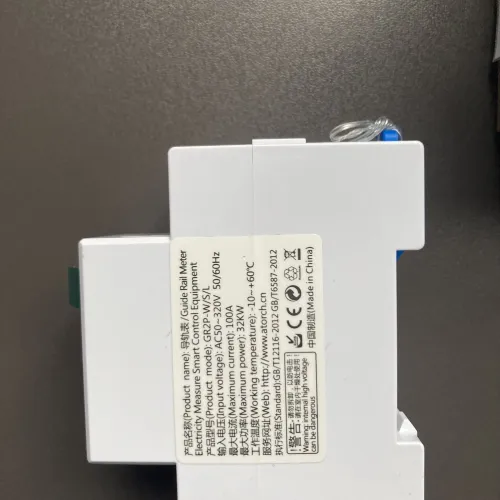
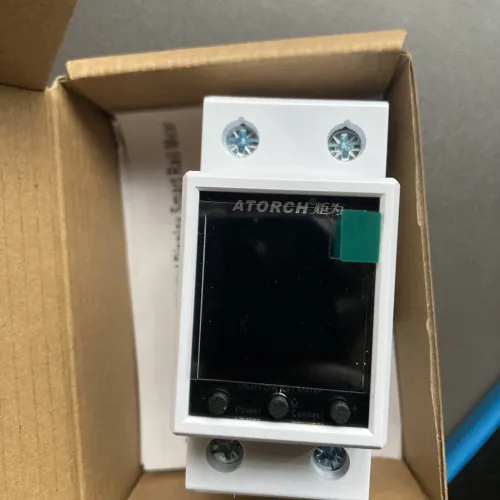
If the goal is to know where the units go, a meter gives you the full picture. The Atorch GR2PWS goes up to 100A and 32,000W across 50 to 320V AC, mounts on a DIN rail, has an LCD display and works with Tuya or Smart Life.
What sets it apart is the relay inside: set a unit allowance in the app and it cuts power once that is used up, which is useful for a landlord on a shared or prepaid meter. Historical usage graphs show an unusual pattern before it becomes a large bill, and it can be viewed alongside the plug readings once both are set up.
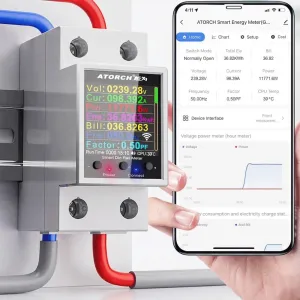
Actual photos of the product we stock
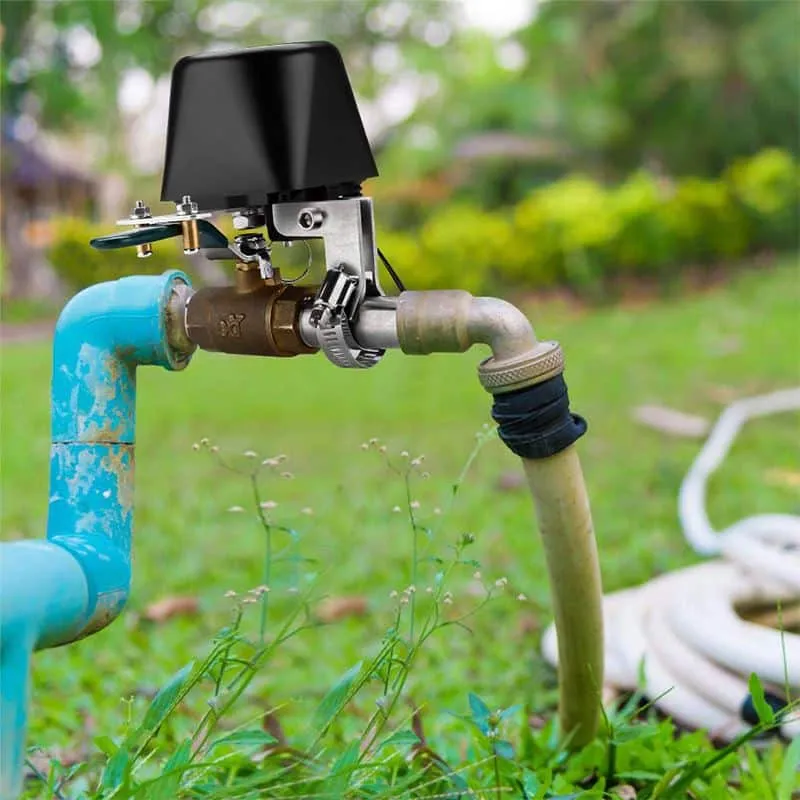
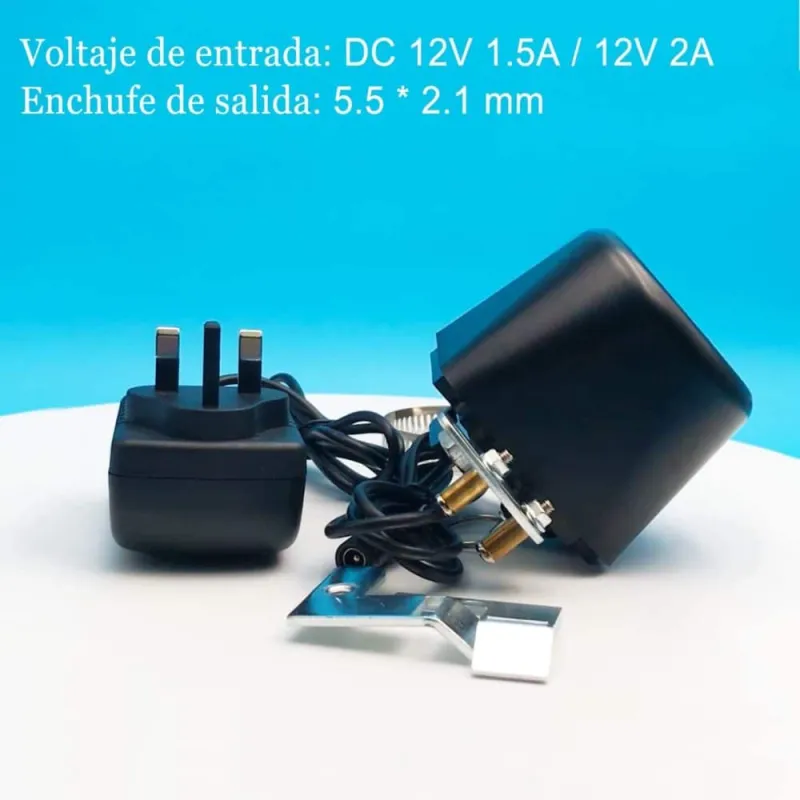
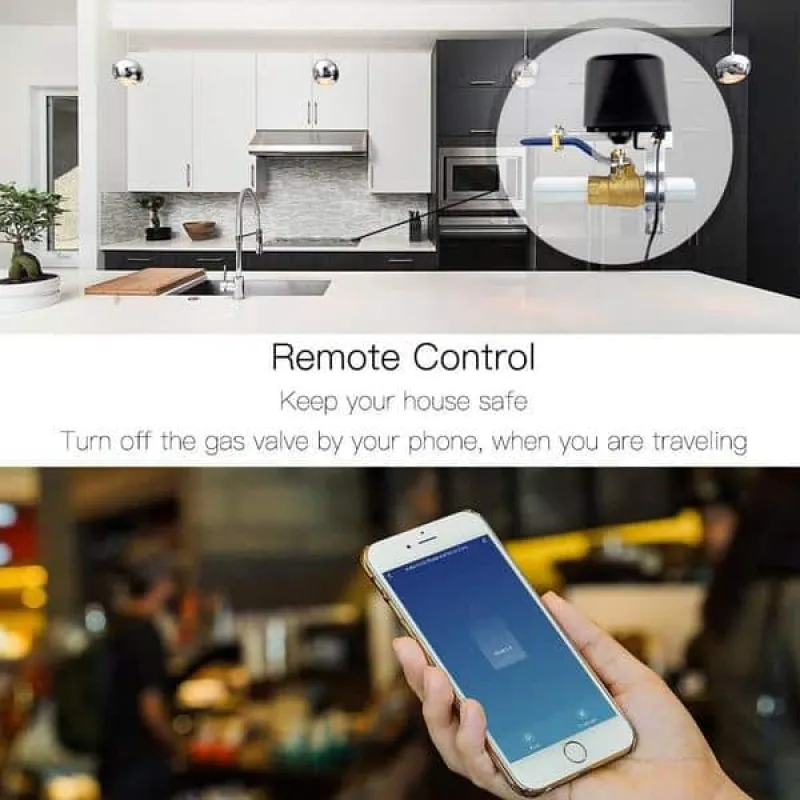
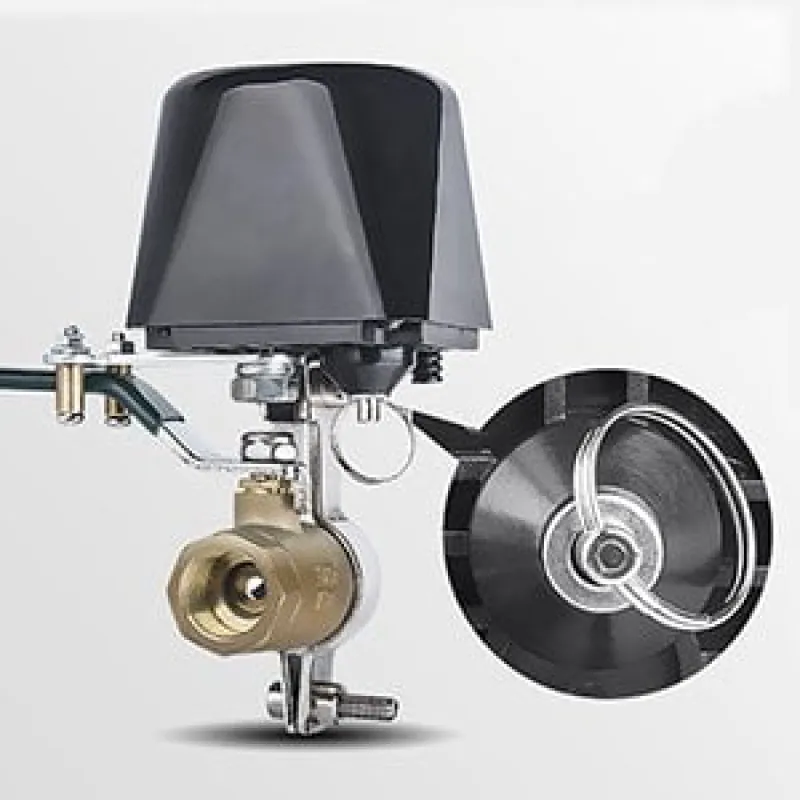
For a garden, the Tuya WiFi Irrigation Valve turns an existing 1/2 to 1 inch lever ball valve into scheduled watering through the app, but it is an actuator only, not a pump. It rotates the valve, so there must already be a valve and water pressure in the line.

What order should you add things in?
Add by problem, not by wish list: fix the one that annoys you most first, then stop and live with it for a week.
- One plug for the appliance you switch most often
- A strip for a corner with several devices and chargers
- A bulb in the room you use most in the evening
- A breaker or meter only once you know what you want to control or cap
Keep the same app for all of them, Tuya or Smart Life, so scenes and timers stay in one place. If you want to compare plug and meter options first, the
smart home devices range and our
article on smart plugs and energy monitors go through the figures.

Where you would use it
- Rice cooker timer Set a countdown in the app so the rice cooker or kettle is ready when you walk in.
- Evening lights Have rope or garden lights switch on at dusk instead of flipping a switch by hand every evening.
- One-tap away mode Group the strip's sockets into a scene that cuts everything except the fridge when you leave.
- Tenant unit cap Set a unit allowance in the meter app and it cuts power once that amount is used up.
- Bedroom colour Tune the bulb from warm 2700K in the evening to cool 6500K for reading.
Other options worth a look, especially if one of these does not suit your setup.
Related guide · 6 min readBest WiFi Cameras for Home Security in Kenya (2026): Indoor, Outdoor & Bulb Cameras →That is the honest shape of a starter pack: a plug to start, a strip or bulb next, and panel gear only when the problem sits at the panel. Pick the one appliance you switch most often, put a plug on it, and watch the wattage for a week before you buy the second device.
See the Tuya Smart PlugKSh 1,500 · In stock
Frequently asked questions
No. The Tuya WiFi Smart Plug connects over WiFi and is controlled through the Tuya or Smart Life app, Alexa or Google Home, with no separate hub.
No. The Tuya Smart Power Extension Strip and the Tuya Smart RGB Bulb need a 2.4GHz WiFi network and will not connect to a 5GHz-only one.
It is rated 16A and up to 3200W, so it suits heavy household appliances such as a rice cooker, kettle or lamp, with overload protection if the load climbs past the socket rating.
Yes. The Tuya Smart RGB Bulb still lights up from the wall switch like a normal bulb when the network is down; the app and voice features need 2.4GHz WiFi.
A plug switches one plugged-in appliance. The ManHua MK9-125 switches an entire circuit at the distribution panel, so it controls everything downstream of the breaker.