Most Kenyan homes already have something a WiFi camera needs: a router and a light socket. That is why the smartest home-security setups we sell are built around WiFi cameras that plug into the home’s existing internet. No SIM cards to top up, no professional installation, and live alerts on your phone from the day you buy them.
Bulb cameras: security that screws into a light socket
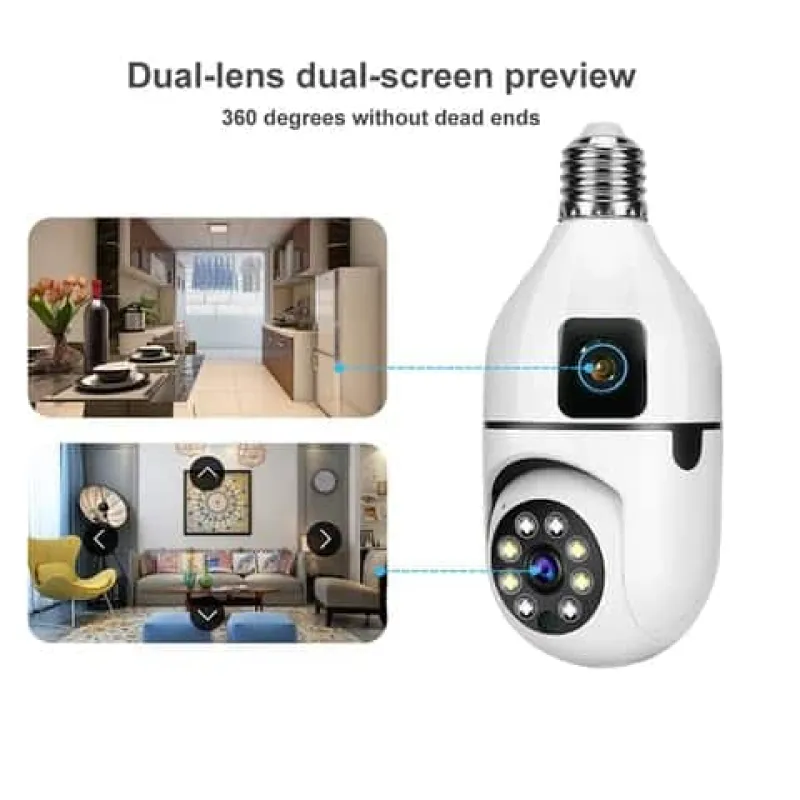
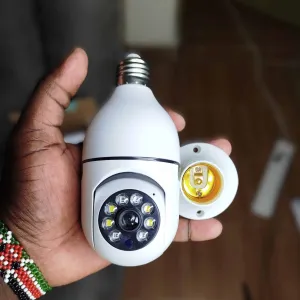
The appeal of a bulb camera is simple. It needs no new wiring and no drilling for power. It replaces a bulb in a standard E27 socket and runs off the same electricity. If your compound, corridor or shop already has a light fitting, a bulb camera is the fastest security upgrade in Kenya.
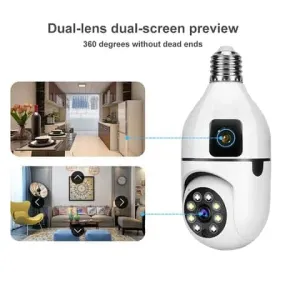
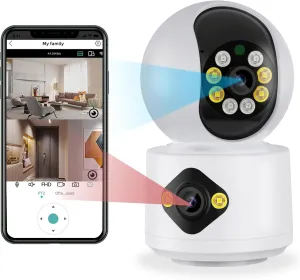
Two stand out in our range. The YIOT bulb camera is the best-seller: 5MP, 355° pan and 90° tilt with auto-tracking, colour night vision, two-way audio, all from the YIOT app. For a dual-lens view from one socket, the V380 dual-lens bulb camera covers the room from two angles at once and runs on the proven V380 Pro app. Both are around the price of a good dinner in Nairobi, and the cheapest way to add eyes to a home.
Solar WiFi cameras: the compound without cabling
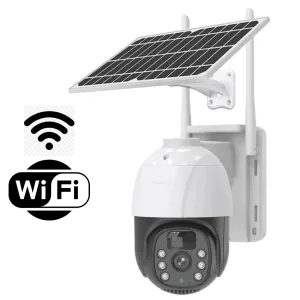
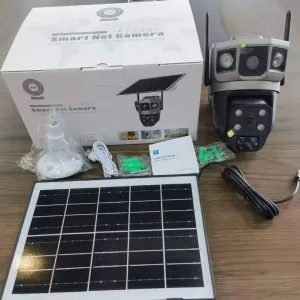
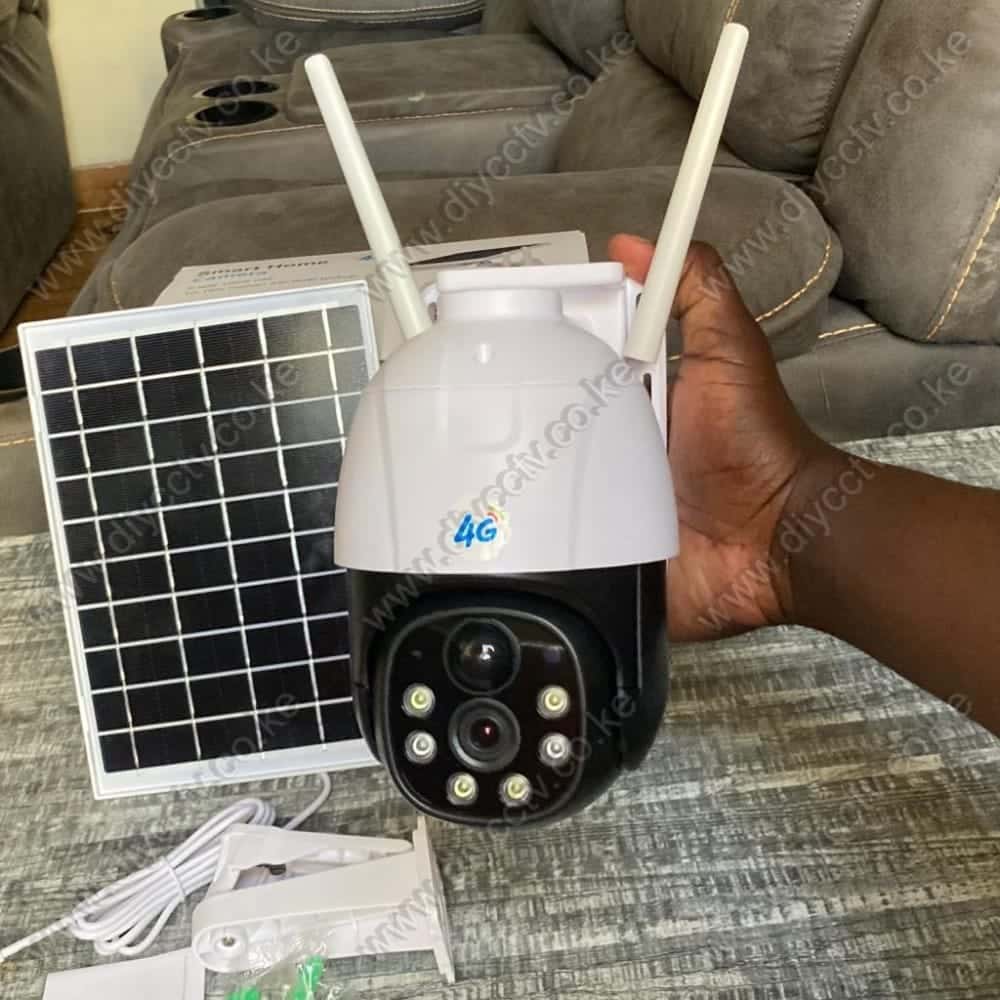
For the yard, the gate or the parking area, solar WiFi cameras bring the same no-cabling advantage outdoors. They charge from the sun and connect to your home WiFi. The V380 Pro dual WiFi solar camera pairs a fixed 4MP lens with an auto-tracking lens and adds AI human detection and colour night vision. The single-lens V380 Pro solar camera is the simpler, lower-cost option with PIR motion detection and IP66 weatherproofing.
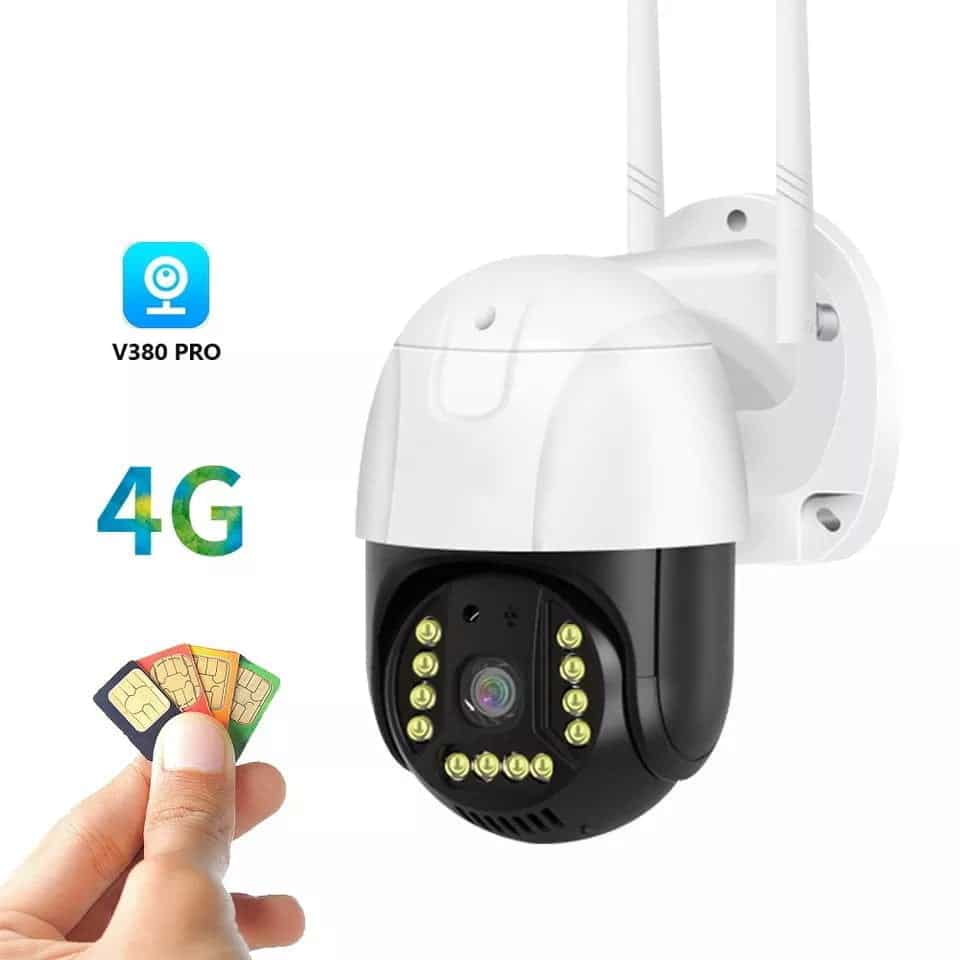
One caveat. WiFi solar cameras need to be within range of your router. If the gate is far from the house, either add a solar WiFi repeater or step up to a 4G solar camera that ignores WiFi entirely.
Indoor cameras: baby monitors and nanny cameras
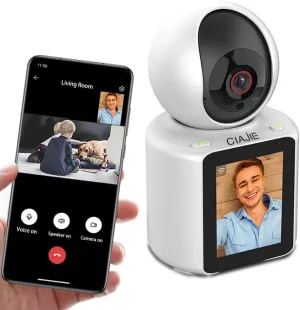
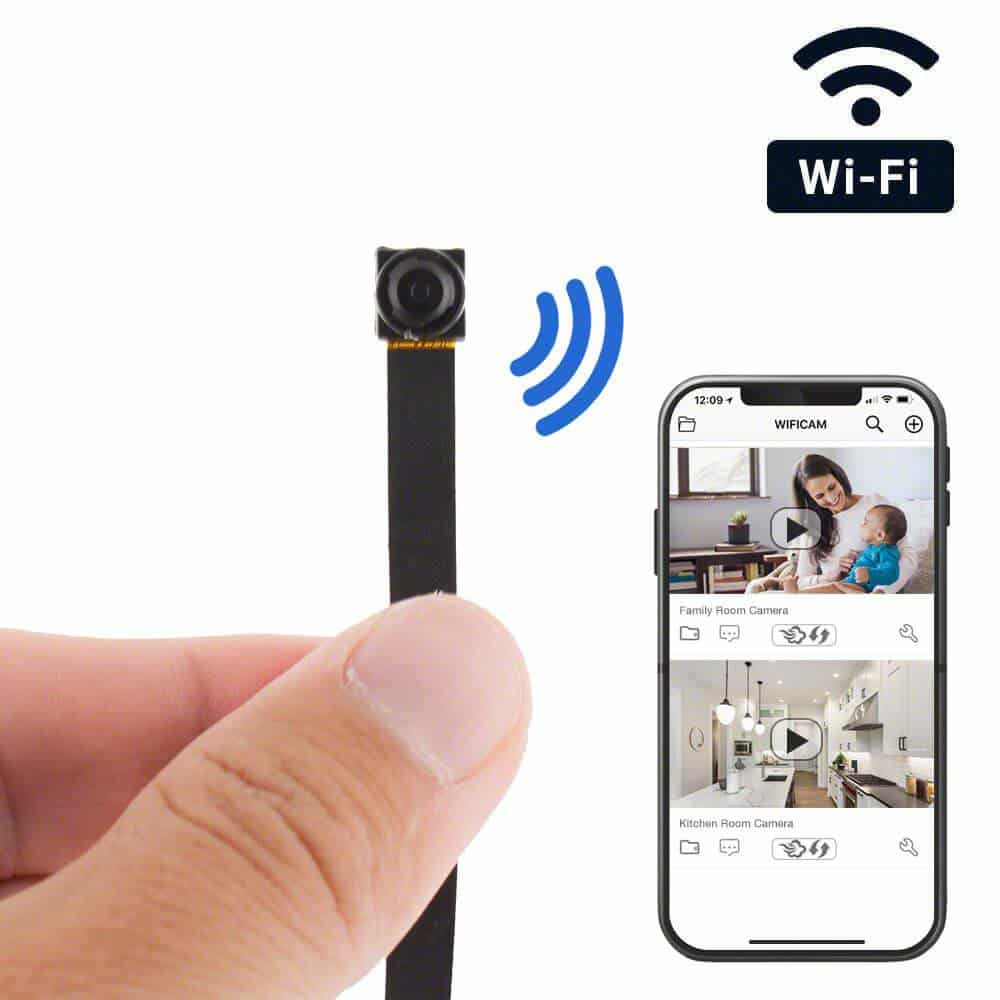
Inside the house, WiFi cameras double as baby monitors and nanny cameras, and the best ones do both jobs well. The icSee dual-lens 6MP camera shows two rooms at once with colour night vision, two-way talk and human detection, recording continuously to SD or cloud. The nanny camera with a built-in screen is the one parents and caregivers love most. A child or elderly relative who does not have a phone can press one button and call you, and you see and talk back from the app. For tight budgets, the mini pinhole camera sits quietly on a shelf, records 1080p with audio to a 128GB card, and carries a 12-hour battery backup for power cuts.
What to check before buying a WiFi camera
- WiFi coverage: test the signal where the camera will live before mounting. A weak signal means dropouts at the exact moment you need footage.
- App ecosystem: V380 Pro covers most of our range, one app, multiple cameras. YIOT and icSee have their own apps. Pick a family and stay in it.
- Storage: budget for a decent 64GB microSD card. Cloud subscriptions add up over a year.
- Power backup: if KPLC outages are frequent in your area, prefer models with battery backup (the mini pinhole has 12 hours) or solar units.
The quick picks
- Cheapest first camera: the YIOT bulb camera. Screw it into a socket, done.
- Compound without cabling: the V380 Pro dual WiFi solar camera.
- Baby or elderly care: the nanny camera with screen, or the icSee dual-lens monitor.
Choosing between WiFi and 4G? Our 4G vs WiFi comparison settles it in two minutes. And if you are starting from zero, the full CCTV buying guide is the place to begin.
Frequently Asked Questions
Do bulb cameras need an electrician to install?
No. They screw into a standard E27 light socket exactly like a bulb. Unscrew the bulb, screw in the camera, connect it to WiFi in the app. About five minutes.
Can a WiFi camera work without internet?
No. WiFi cameras need your router and an internet connection to stream to your phone. If you have no internet at the premises, choose a 4G camera instead.
Will a bulb camera work if the switch is off?
Only while the socket has power. If the light switch cuts power to the socket, turn the camera’s dedicated switch on and leave it on. The camera’s own light output acts as the room light.
How long does footage stay on a 64GB card?
On a 1080p camera in loop-recording mode, roughly several days of continuous footage. With motion-only recording, weeks. When the card fills, the camera overwrites the oldest footage automatically.