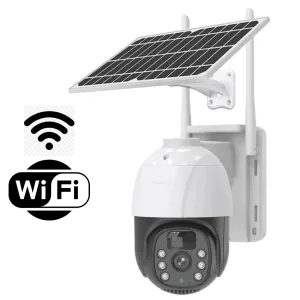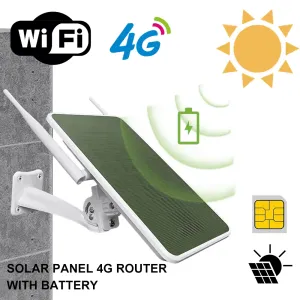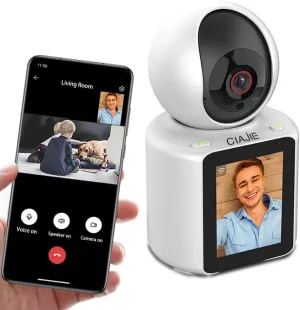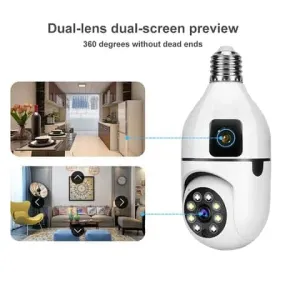
Walk into any security shop in Nairobi and you will hear the same question: 4G or WiFi? It is the right question, but only one of about six you should be asking. Resolution, night vision, storage, power and the app you will live with matter just as much.
This guide walks through every decision using the actual cameras we sell in Kenya. If you are short on time, here is the short version. No WiFi on site? Buy a 4G solar camera. WiFi available? A WiFi camera is cheaper to run. Indoors, no wiring allowed? A bulb camera.
Step 1: How the camera connects: 4G, WiFi, or wired
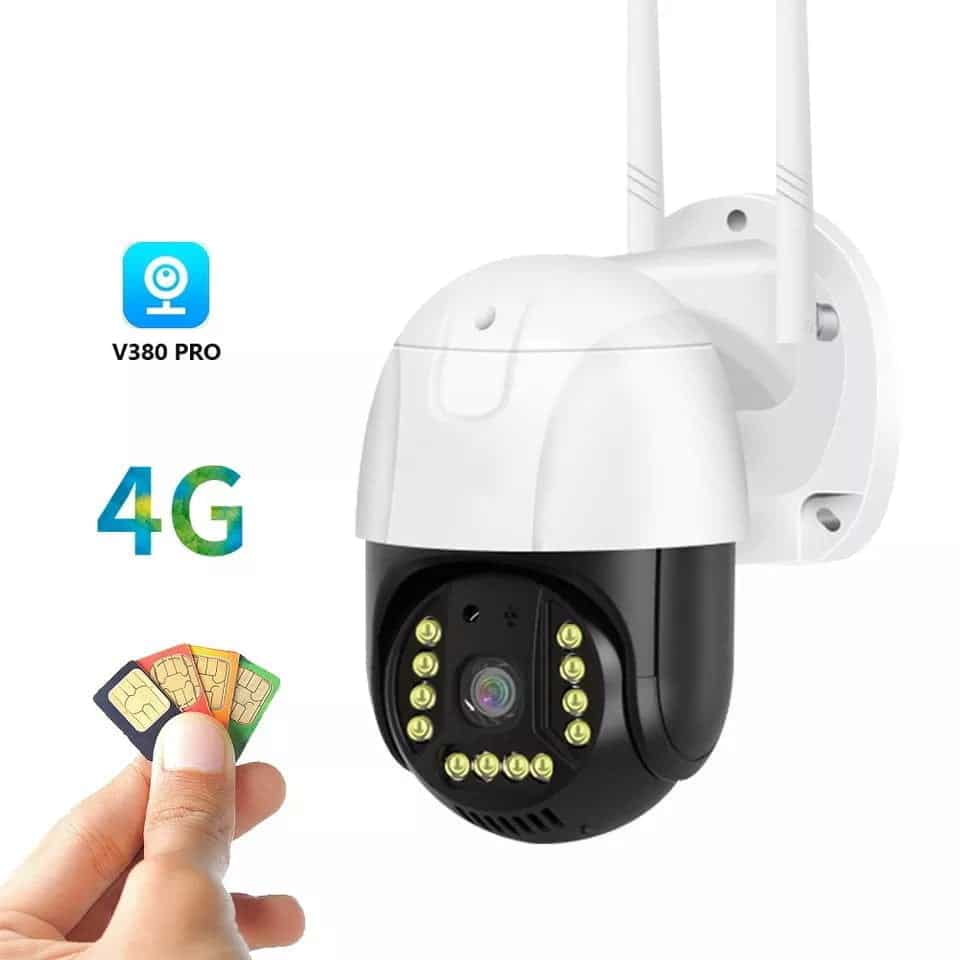
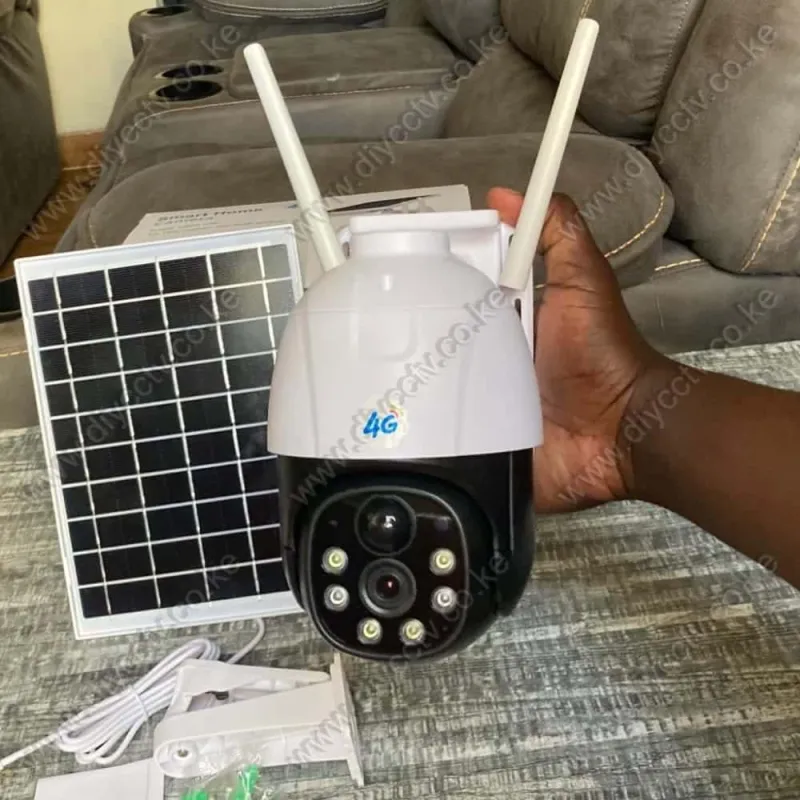
This is the big decision. A 4G security camera takes a SIM card and streams over the mobile network, exactly like a phone. It needs no WiFi and no internet at the premises. That makes it the standard choice for farms, plots, gates, construction sites and rural homes where a router either does not exist or sits too far from where the camera needs to be.
A WiFi camera connects to your home or office router. Because data travels over your own connection, there is no SIM card to top up. The catch is that the camera must be within range of the WiFi, and if the power or the internet goes down, so does the camera (unless it has battery backup).
Wired CCTV (DVR/NVR systems with cables) still exists and is excellent for large compounds with many cameras, but it requires professional installation and is not the focus of this guide. Most Kenyan homes, shops and small farms are better served by a self-installed wireless camera.
Step 2: Resolution: what 1080p, 4MP and 6MP actually mean
Resolution decides how much detail the camera captures. That matters most when you need to read a number plate or identify a face. In our range you will see 1080p (2MP), 4MP, 5MP and 6MP. As a rule, 1080p is fine for monitoring a doorway or a room, while 4MP and up is worth it outdoors where you need to identify people and vehicles across distance.
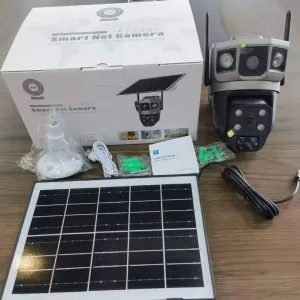
Our dual-lens 4G solar cameras pair two 4MP lenses. One is fixed to cover an area continuously, and the other auto-tracks movement. The icSee dual-lens 6MP monitor is the indoor equivalent. More lenses and more megapixels cost more, but they also cover more ground with fewer cameras.
Step 3: Night vision: IR vs colour night vision
Most security incidents happen at night, so this is where cheap cameras get exposed. Two technologies dominate:
- Infrared (IR): the classic black-and-white night image, works in total darkness, found on virtually every camera.
- Colour night vision: uses a bright light or sensitive sensor to keep the image in colour at night. More useful for identifying what the camera actually caught.
Cameras like the YIOT bulb camera offer colour night vision, and several solar models add motion-activated floodlights that scare off intruders before the camera even matters.
Step 4: Storage: SD card, cloud, or both
Every camera in our range records to a microSD card (we sell a reliable 64GB Class 10 card that suits continuous recording), and most also support cloud subscription via their app. A 64GB card holds several days of loop recording on a 1080p camera. That is enough for most people to review an incident. Cloud storage costs a monthly fee but survives the camera being stolen or the card failing. Our advice: start with a good SD card and add cloud only if the footage is business-critical.
Step 5: Power: solar, battery backup, or mains
Kenyan reality: power cuts happen. A camera that dies with the lights is a camera that misses the moment that matters. This is why solar cameras with internal batteries have become the default outdoor choice. A camera like the V380 Pro 4G solar unit charges from its solar panel during the day and keeps running on battery. The spec sheet quotes up to 28 hours of backup, so it sails through KPLC outages.
Indoor cameras are simpler. Most plug into a socket, and a few (like the mini pinhole camera) have a rechargeable battery that carries them through short outages.
Step 6: The app: this is what you will live with
Every wireless camera is controlled from a phone app: V380 Pro, YIOT, StarEye or icSee in our range. Before buying, confirm the app works on your phone, supports multiple cameras on one account, and sends motion alerts without delay. The V380 Pro app covers most of our solar and WiFi range and is the most proven in Kenya.
Step 7: Placement and coverage
One camera rarely covers everything. Think in terms of choke points: the gate, the door, the corridor, the cash point. A dual-lens camera can watch two directions from one pole, which often beats two single cameras at double the price. Height matters too. Mount cameras 2.5 to 3 metres up, slightly angled down, out of arm’s reach.
Where to buy a security camera in Kenya
Buy from a seller who tests the camera before dispatch, offers a warranty, and actually supports the app setup after you buy. A camera that arrives without setup help often ends up in a drawer. Our store tests every camera before it ships, and our team helps with V380 Pro and app setup questions. Browse the full security camera range, or start with the guides below for your exact situation:
- Best 4G solar CCTV cameras in Kenya
- Best WiFi cameras for home security
- Best security cameras for farms
- 4G vs WiFi: which should you buy?
Frequently Asked Questions
How much does a CCTV camera cost in Kenya?
Our range runs from budget WiFi cameras around KSh 2,500 up to premium solar units. The current price of every camera in this guide is shown live on its product page. It updates automatically when prices change.
Do 4G cameras need WiFi?
No. A 4G camera uses a SIM card and the mobile data network, so it works anywhere there is cellular coverage. Farms, plots and rural areas included.
How much data does a 4G security camera use?
It depends on resolution and activity. A 1080p camera streaming continuously uses more data than one that only records on motion. Motion-activated recording is the standard way to keep data costs low. Your mobile provider’s app shows usage so you can right-size the bundle.
Can I install a security camera myself?
Yes. The wireless cameras in this guide are designed for self-installation. Mount, insert the SIM or connect to WiFi, pair with the app using a QR code, and you are live. See our step-by-step installation guide.
Do solar cameras work during the rainy season?
Solar cameras carry a battery that stores the day’s charge, so they keep running through overcast days and power cuts. On a rainy week the panel charges less, which is why models with larger batteries (like the V380 Pro with up to 28 hours of backup) are safer bets.