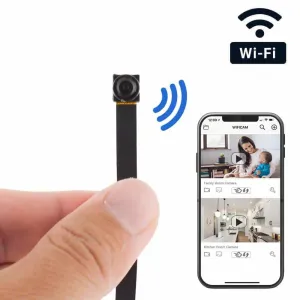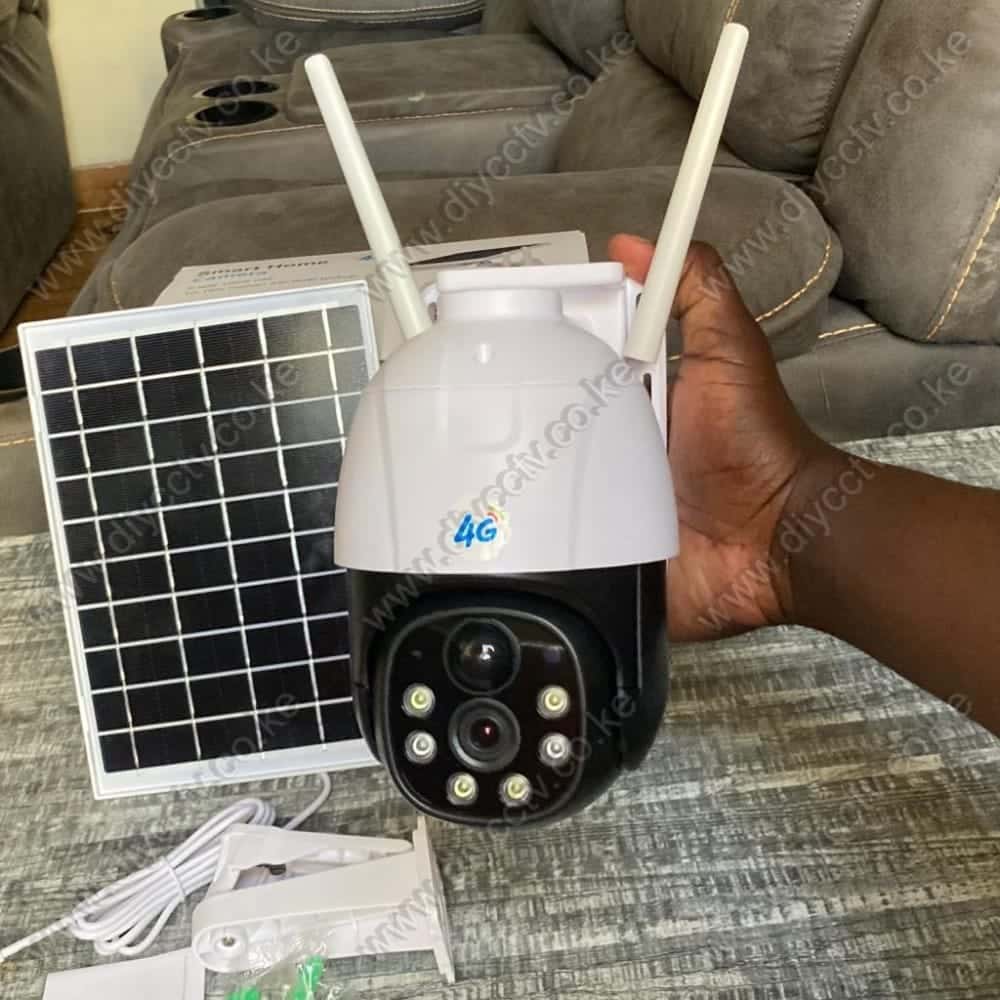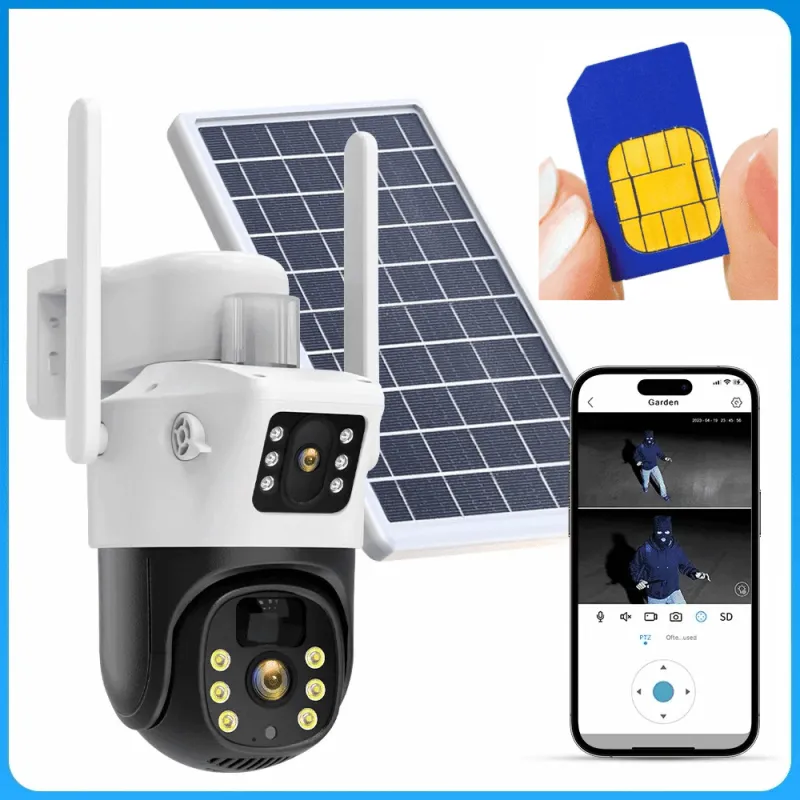
A 4G solar security camera answers the most common security problem in Kenya. You need a camera somewhere there is no WiFi, no reliable power, or both. It takes a SIM card, charges itself from the sun, and streams to your phone over the mobile network. These are the cameras we sell most for farms, gates and rural homes.
Here is how the 4G solar cameras in our current range compare, and which one fits which situation.
Single-lens 4G solar cameras: the dependable all-rounder
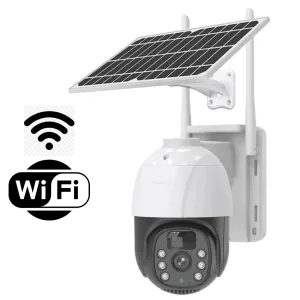
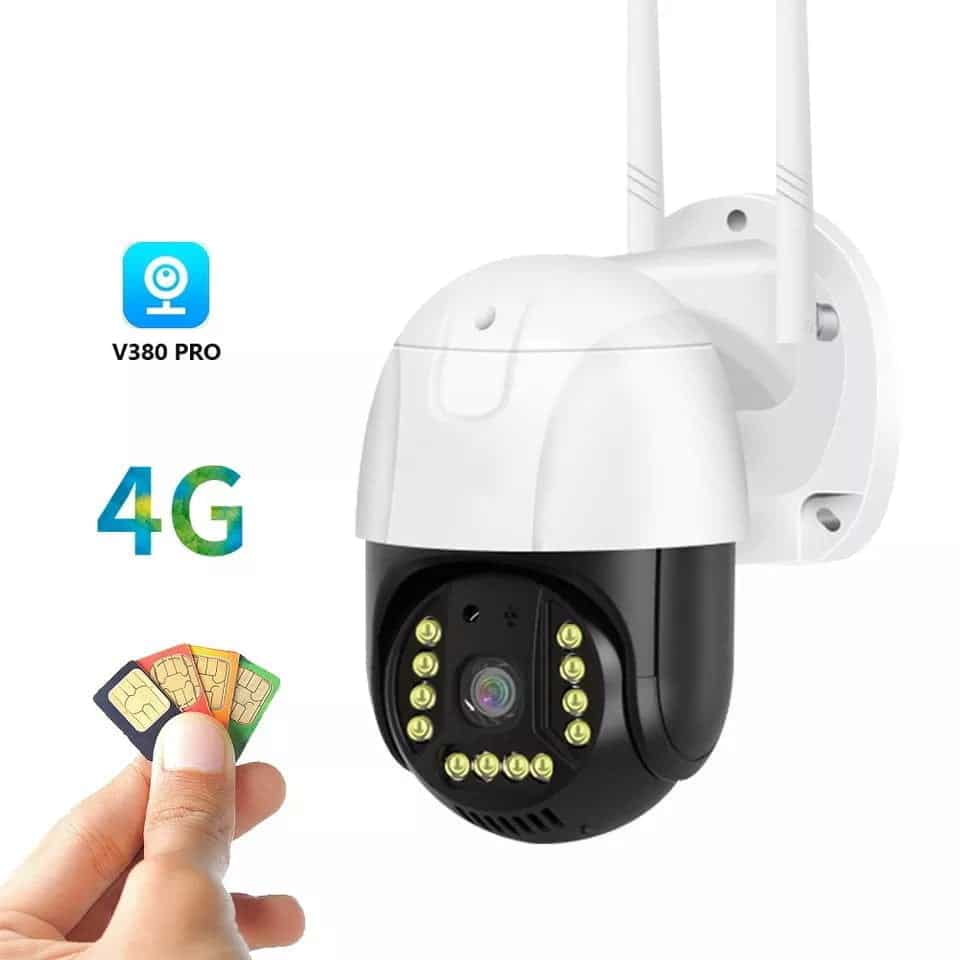
If you need one camera covering one area, such as a gate, a compound corner or a storage shed, a single-lens model is the straightforward pick. The V380 Pro 4G solar CCTV camera (4MP, 355° pan, two-way audio, IP66 weatherproofing) is the camera we recommend most for this job. Its spec sheet quotes up to 28 hours of battery backup, which carries it through the rainy days and power cuts that kill other cameras. It pairs with the V380 Pro app over any SIM card.
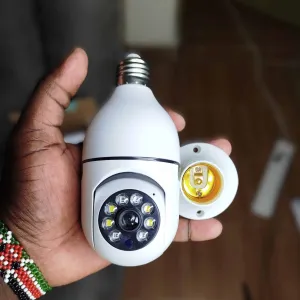
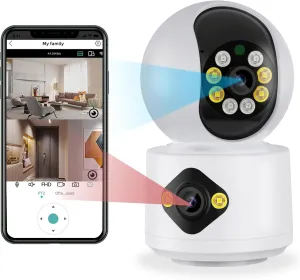
For an entry 4G option with the same app and a slightly simpler setup, the 4G solar camera with dual lenses adds a second lens for wider coverage at the same price point. It is worth a look if your gate opens onto an open yard where people can approach from two sides.
Dual-lens 4G solar cameras: two eyes, one camera
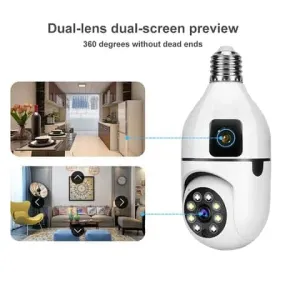
When the area to protect is wider than one lens can see, a dual-lens camera is usually cheaper than buying two single cameras. The dual-lens 4G solar camera pairs a fixed 4MP lens (aim it at the main approach) with a second lens that auto-tracks movement. A person walking past gets followed by the camera while the fixed lens keeps recording the whole scene. It runs on the V380 Pro app and needs neither WiFi nor mains power.
UBOX 4G solar: fewer false alarms, built for farms
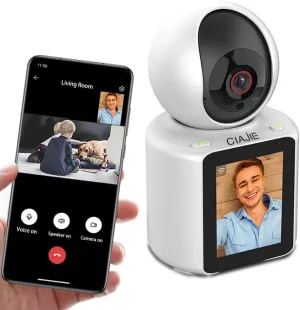
The UBOX 4G solar PTZ camera is the model we send to farms and gardens specifically. Its differentiator is dual-alarm detection. It combines PIR (heat/motion) with radar, which cuts down the false alerts that drive people to switch notifications off. That is the classic failure of farm cameras that trigger on every passing cow or swaying branch. It is IP65 rated, runs on a SIM card, and the app supports two-way audio so you can speak to someone at the gate from anywhere.
What you still need: a SIM, a data bundle, and a memory card
Three practical notes before you buy:
- The SIM card: any active SIM with data works, Safaricom, Airtel or Telkom. Put the camera on its own SIM and monitor usage in the provider’s app.
- Data: run the camera in motion-recording mode, not continuous streaming, and a few gigabytes a month covers a busy gate. The camera only uploads when something happens.
- Storage: pair the camera with a 64GB Class 10 microSD card so recorded clips survive even when the SIM’s data runs out.
Powering the network: the solar 4G router
One upgrade that surprises buyers: for a larger compound, a solar 4G/WiFi router (built-in 25,600mAh battery) creates a local WiFi hotspot from any SIM. Then you can use cheaper WiFi cameras around the compound while the router handles the data connection. It is the middle path between fully-4G cameras and a home WiFi network that does not exist yet.
Which 4G solar camera should you buy?
- One gate, one door, one shed: the V380 Pro single-lens 4G solar.
- A wide yard or long fence line: the dual-lens 4G solar.
- Farm or garden with animals and wind: the UBOX with PIR + radar to cut false alarms.
Still unsure whether you need 4G at all? Read 4G vs WiFi cameras, which should you buy, then come back. And for the full picture on choosing any camera, start with our complete CCTV buying guide for Kenya.
Frequently Asked Questions
Do 4G solar cameras work without electricity?
Yes. The solar panel charges an internal battery during the day, and the camera runs off that battery. The V380 Pro models quote up to 28 hours of backup, so they keep recording through the night and through power cuts.
Which network works with a 4G camera?
Any Kenyan SIM with data: Safaricom, Airtel or Telkom. Check the camera’s spec for the network bands it supports (2G/3G/4G) and confirm coverage at your location before buying.
How much data does a 4G camera use per month?
In motion-recording mode, typically a few gigabytes per month for an active location. Continuous streaming uses far more. Use motion mode unless you specifically need 24/7 upload.
Can I view the camera while away from home?
Yes, that is the point. The V380 Pro or UBOX app shows live video and sends motion alerts to your phone anywhere there is internet.