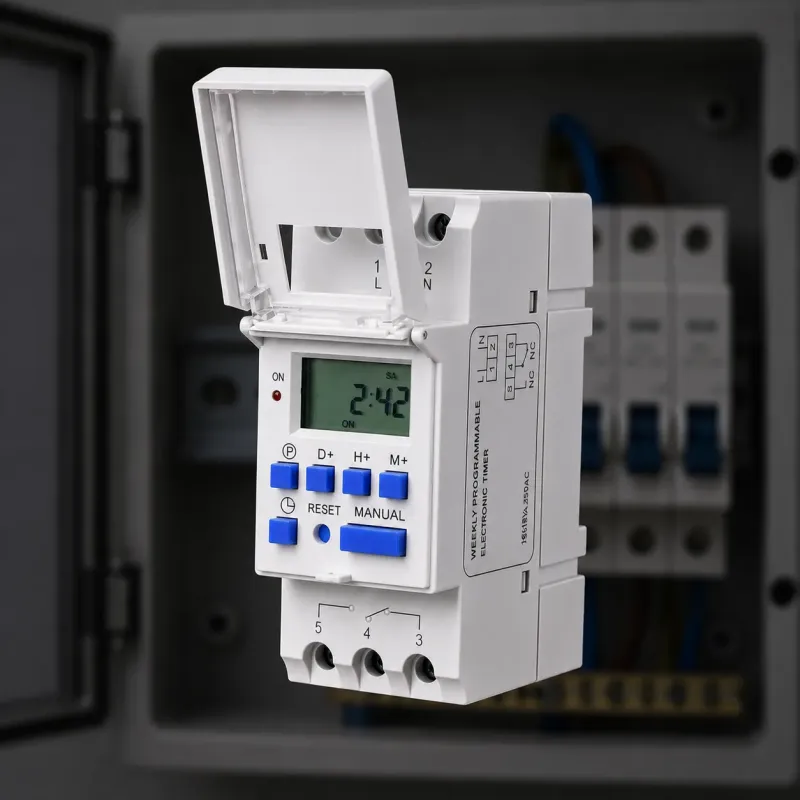
The Tronic timer switch is the small white plug-in timer you see at Carrefour and most Nairobi hardware shops. It is a mechanical 24 hour timer, and once you know the three steps it takes about a minute to set. If you would rather skip the manual maths altogether, we sell digital timer switches that program themselves, and you will find those covered below too. Let us start with the Tronic itself, because it is the one most people already have at home.
What the Tronic timer is
The Tronic is a mechanical timer. Inside is a rotating 24 hour dial, a ring of pins or tabs around the dial, and a small switch on the side. You set the time it turns on by pushing down the pins, and the time it turns off by pulling them up. It plugs straight into a wall socket and the appliance plugs into it, so there is no wiring involved. It is sold as a simple way to switch a light, a fridge, or a phone charger on and off every day at the same time.
Step 1: set the current time
Turn the dial until the arrow on the dial points at the current time. The dial is marked in 24 hours, so 3 pm is 15:00. If the clock on the dial says 12:00 when it is actually noon, the timer will switch at the wrong time, so this step matters. Turn the dial clockwise only, and do not force it backwards.
Step 2: push the pins for your on window
Each pin around the dial stands for roughly 15 minutes. Push the pins down for the hours you want the appliance ON, and leave them up for the hours you want it OFF. For example, to run a light from 6 pm to 10 pm, push down the pins from 18:00 to 22:00. The whole block of pins between those two times stays down. The appliance will switch on at 18:00 and off at 22:00, every day, until you change the pins.
Step 3: plug in and switch on
Plug the Tronic into the wall socket, plug your appliance into the Tronic, and make sure the little side switch is set to timer mode and not bypass mode. On bypass mode the appliance stays on all the time, which is useful if you want to use it without the timer for a day.
What the Tronic timer cannot do
Three things surprise most people. First, the Tronic gives you only one on window per day. You cannot have it switch on at 6 am, off at 8 am, then on again at 6 pm. Second, if the power goes off, the dial stops. When the power comes back, the timer is still running from where it stopped, so your times drift after every blackout. Third, the mechanical dial is not accurate to the minute, so over a week the switching time can creep.
If any of those three limits sound like a problem, this is the part where the digital timer earns its money.
The digital timer that sets itself
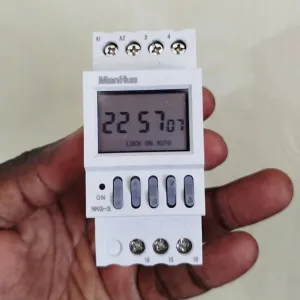
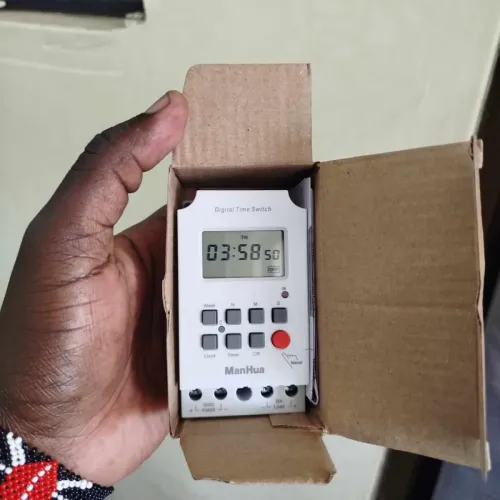
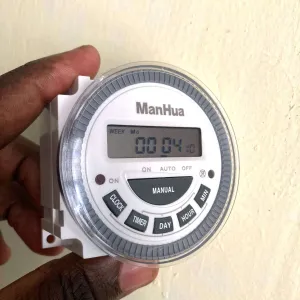
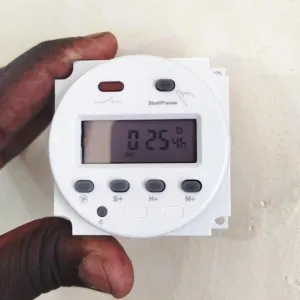
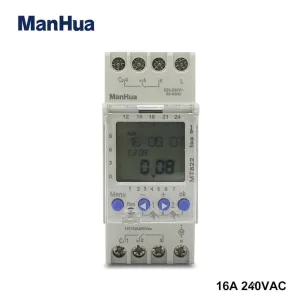
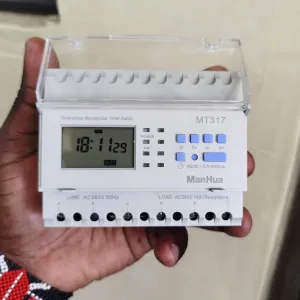
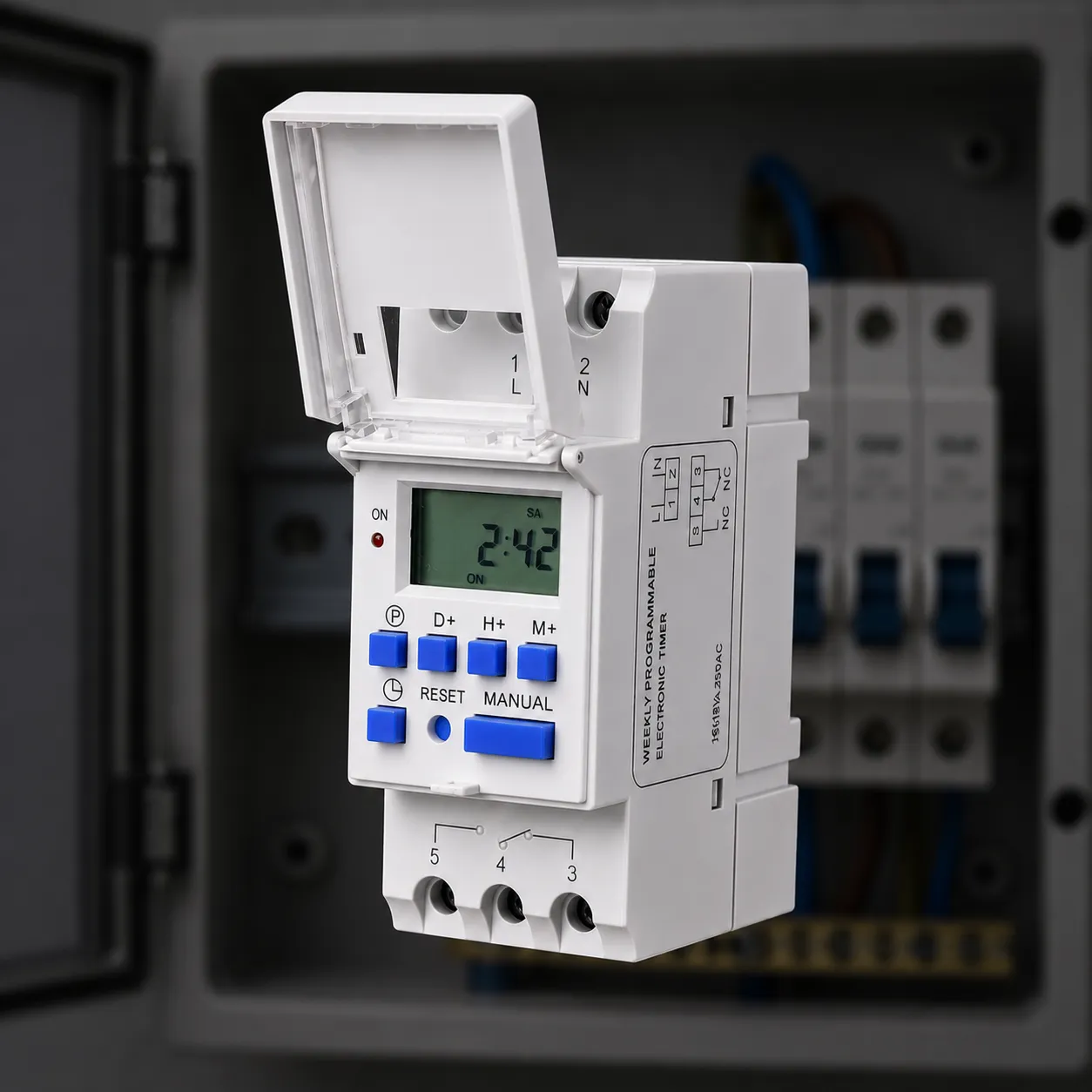
Our Manhua MT15 digital timer switch does the same job as the Tronic, but the time is set with buttons instead of pins, and it remembers its program when the power goes off. You can set up to ten on and off windows per day, with different programs for weekdays and weekends. The MT15 handles 16 amps, so it easily runs a fridge, a water pump, or shop signage. It is the timer we recommend most to people replacing a Tronic that keeps drifting.
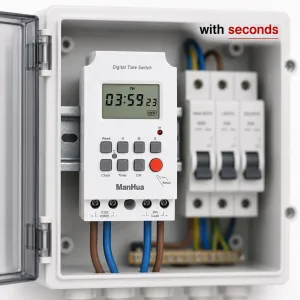
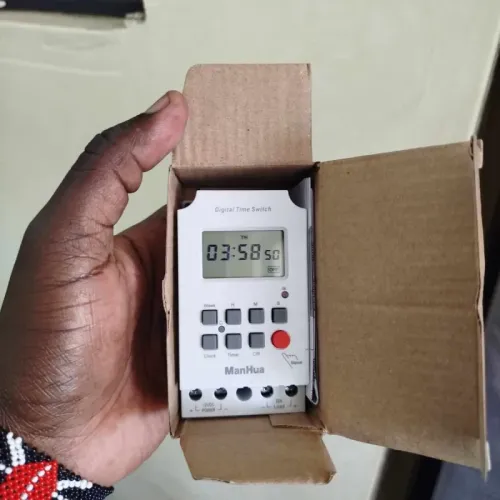
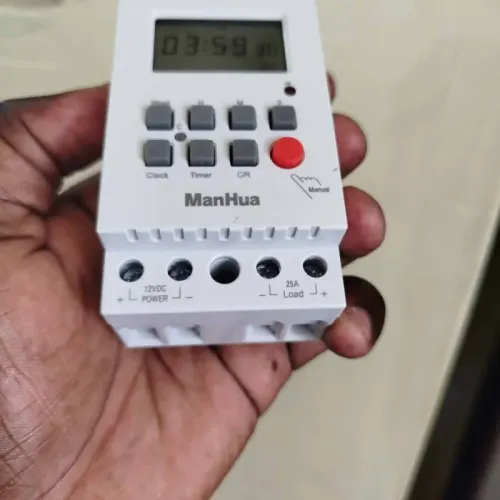
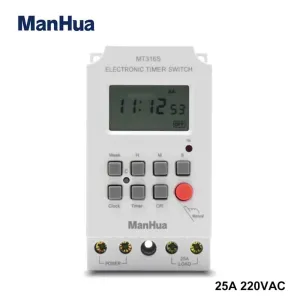
For a DC version that runs solar and 12V setups, the Manhua MT316S does the same trick with settings down to one second, which matters for irrigation and school bells.
Frequently asked questions
How do I set a Tronic timer switch?
Turn the dial so the arrow points at the current time, push down the pins for the hours you want the appliance on, then plug it in and set the side switch to timer mode.
Why does my Tronic timer keep losing time?
The dial is mechanical and stops when the power goes off. After a blackout it runs from where it stopped, so your switching times drift. A digital timer with battery backup keeps its time and program.
Can I set a Tronic timer to come on twice a day?
No. The Tronic gives you one on window per day. For multiple windows you need a digital timer switch like the Manhua MT15.
What is the difference between a Tronic timer and a digital timer switch?
The Tronic is a mechanical 24 hour dial with pins, one window per day, and no battery backup. A digital timer has buttons, multiple daily windows, and keeps its settings through a power cut.
Where can I buy a timer switch in Kenya?
Mechanical timers like the Tronic are sold at Carrefour and hardware shops. Digital timer switches are sold online, and the full range we stock is under the Smart Home category.
Where to get a timer switch in Kenya
If you already own a Tronic, the steps above will sort you out. If you are buying new, compare the two before you pay: the mechanical timer costs less at the counter, and the digital one costs less in the long run once you count blackouts and the programs it keeps. Browse the full range of timer switches we stock, or read the comparison of the Tronic versus the Manhua MT15 to see the difference side by side.
Still deciding between the two? Our comparison of the Tronic timer switch vs the Manhua MT15 walks through the differences side by side, and the Tronic timer switch price guide breaks down what each option really costs in Kenya.