If you need to buy microphone batteries in Nairobi, the short answer is that you want cells that hold a steady voltage for the whole service or set, not ones that fade quietly halfway through. This guide explains why wireless microphones behave badly on weak batteries, which cell suits your kit, and where Lumen Vault fits into that picture.
Key takeaways
- Most wireless microphone bodypacks and handhelds run on AA cells, so the voltage behaviour matters more than the headline capacity.
- A constant 1.5V lithium AA avoids the slow voltage sag that makes a NiMH cell drop out before it is truly empty.
- Charge level indicators save you from guessing before a church service, a live set or a school event.
- Some gear runs on 18650 cells instead, and those need the right discharge rating and protection.
- Buying rechargeable cells plus a charger is a one-off decision you repeat for years, not every month.
Why do wireless microphones cut out on ordinary batteries?
A standard NiMH rechargeable starts near 1.5V and then falls steadily as it drains. Many bodypacks and handheld transmitters read that falling voltage as a dying battery and either drop the signal or shut down early, even though there is charge left. That is the moment a singer's mic goes quiet mid-song.
Lithium AA cells with a regulated output hold a constant 1.5V until the cell is genuinely empty. The device sees a healthy battery right to the end, so you get predictable runtime instead of a slow decline. If your equipment has ever behaved oddly on rechargeables, this is usually why.
Which battery size does your microphone take?
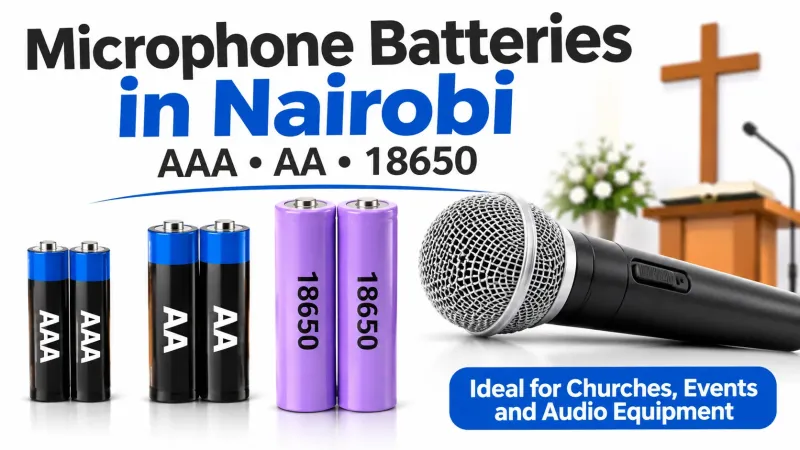
Check the compartment before you buy. Most vocal wireless systems, handhelds and bodypack transmitters take two AA cells. Smaller clip-on packs sometimes use AAA. Some receiver units or monitoring gear run on 18650 cells, which is a different product entirely.
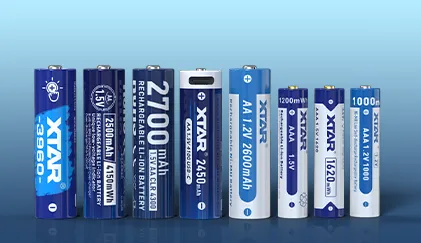
- AA: the common size for wireless microphone transmitters and receivers.
- AAA: found in slim bodypacks and small accessories.
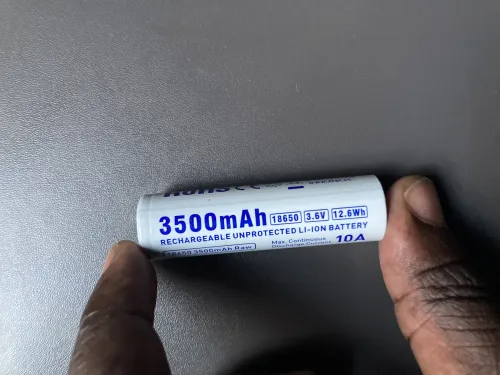
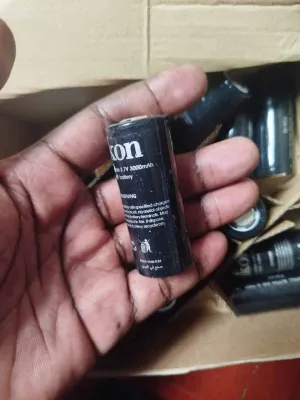
- 18650: rechargeable lithium cells used in some receivers, lights and other gear, not usually in standard mic bodypacks.
Once you know the size, the choice narrows to capacity, charging method and whether you want an indicator on the cell itself.
Rechargeable or disposable for church and stage use?
For a church sound desk running the same mics every Sunday, rechargeable cells pay for themselves quickly and remove the last-minute dash to a shop. A set of four lives in the desk drawer, a second set charges, and you rotate them. The same logic applies to schools, conference venues and anyone running presentation microphones.
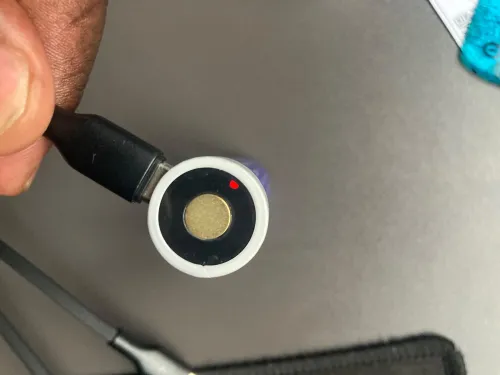
What matters is that the cells are charged fully before the event and that you can see their level without a tester. A touch-activated indicator or a low-voltage light on the cell gives you that at a glance.
Product spotlight: cells that suit microphone and sound work
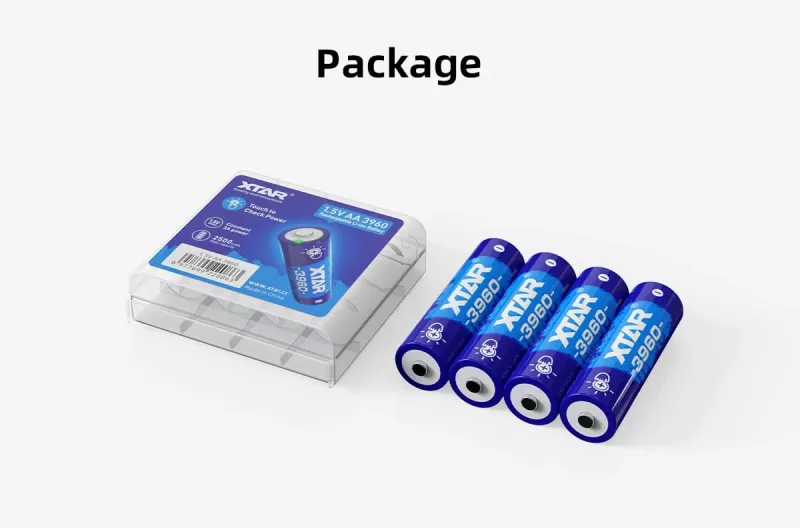
XTAR AA 3960 Rechargeable Battery, 2500mAh, 4-Pack
This is the cell to look at first for church sound systems and any AA device that misbehaves on low voltage. It holds a constant 1.5V right down to empty and rates 2500mAh, with a touch-activated LED on the positive terminal that shows the charge level when you press it. The limit is that it needs the XTAR C4-AA charger to reach a full charge in about 2.5 hours, so it is not a charge-anywhere cell.


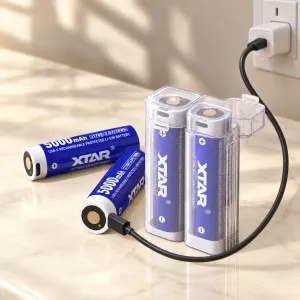
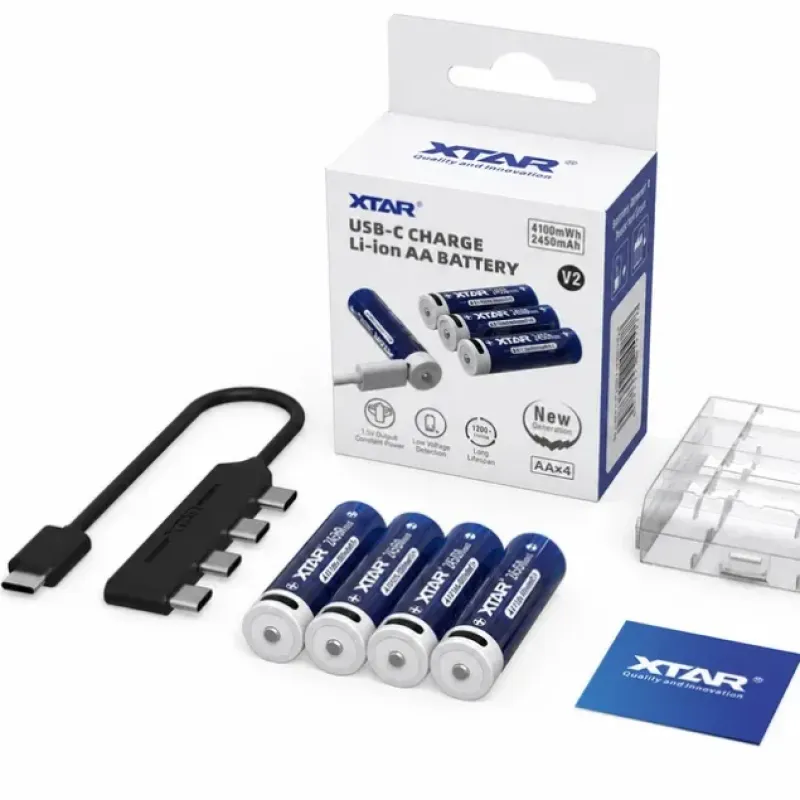
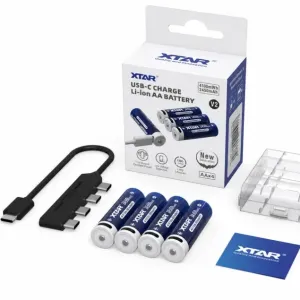
XTAR AA USB-C Rechargeable Battery, 2450mAh, 4-Pack
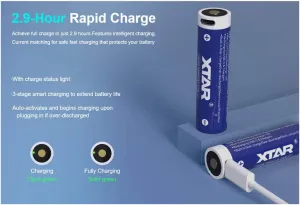
If you would rather not carry a charger at all, each cell in this pack has its own USB-C port, and the included splitter cable charges all four from one source in about 2.7 hours. It also delivers a steady 1.5V at up to 2A, rated for over 1200 cycles. The trade-off is a slightly lower 2450mAh capacity than the 3960 pack and less internal space for storage since the charging hardware sits inside each cell.
XTAR AAA Rechargeable Battery, 1000mAh, 1.5V, 4-Pack
For slim bodypacks, remotes and small electronics that take AAA, this pack brings the same constant 1.5V approach at 1000mAh. A low-voltage LED warns you before a device cuts out, which is useful in anything sensitive to a weak cell. It charges in about 1.9 hours on the XTAR LC4 charger, so plan on that charger if you go this route.


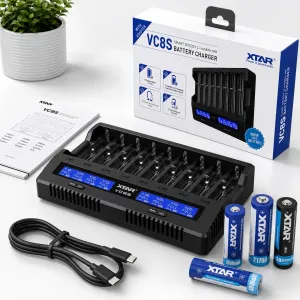
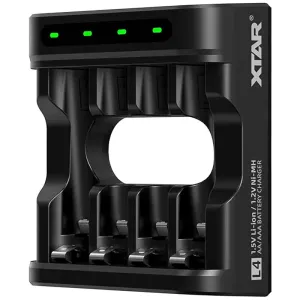
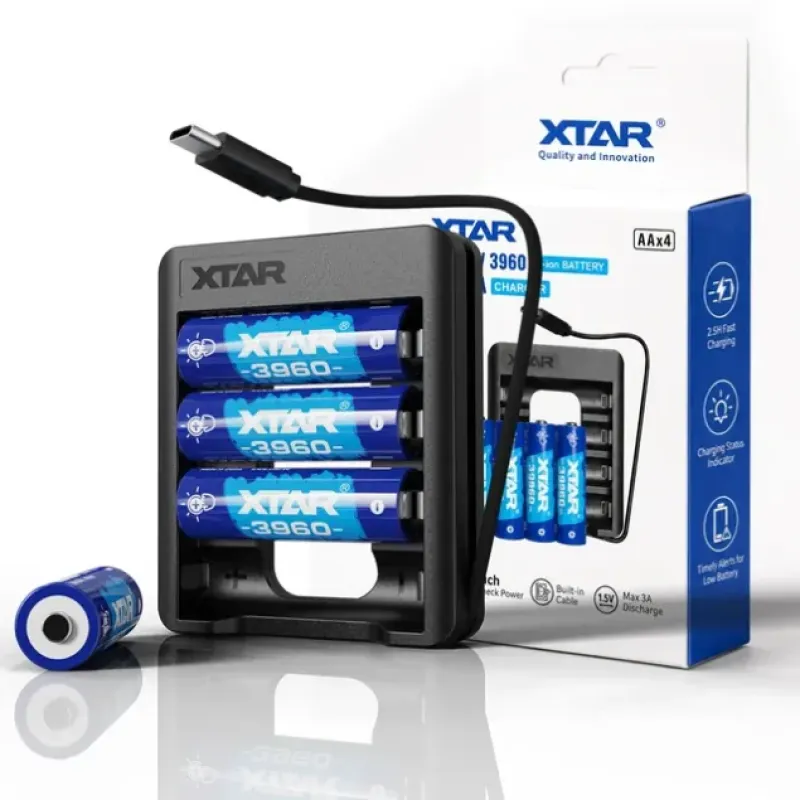
XTAR C4-AA USB-C Charger Bundle with 4pcs × 1.5V 2500mAh Lithium AA Batteries
If you are starting from nothing, this bundle pairs the four-bay C4-AA charger with four 2500mAh lithium AA cells. The charger has four independent 0.5A bays and a built-in USB-C cable, and each battery carries the touch-activated indicator at its positive terminal. It suits a sound desk, a set of controllers or a mix of remotes and toys. Keep in mind the cells are AA only, so AAA gear needs a different pack.
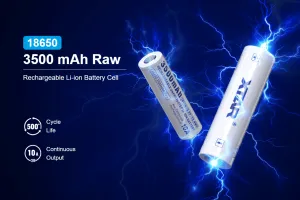
XTAR 18650 Battery, 3500mAh, Built-in USB-C, 10A Discharge
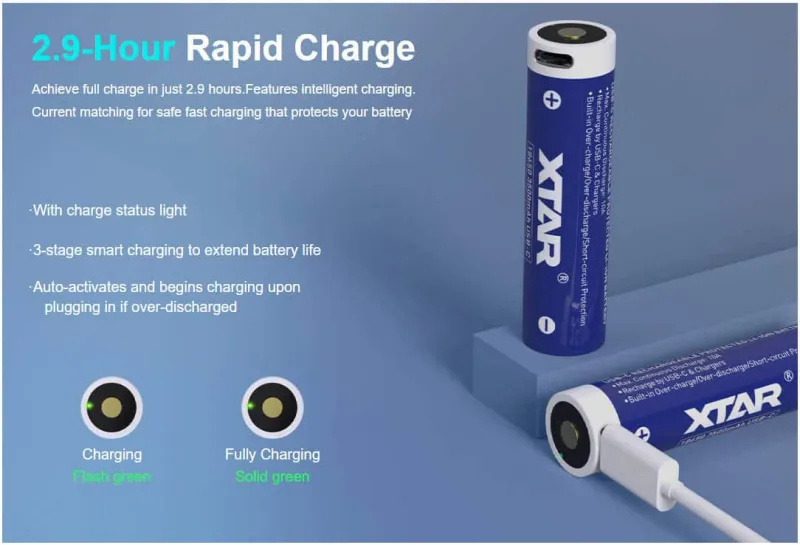
For gear that runs on 18650 cells rather than AA, this cell charges straight from a phone charger, power bank or laptop over USB-C, so there is no separate charger to pack. It offers 3500mAh with a 10A discharge rating for high-drain devices such as LED flashlights on Turbo, and an on-cell level indicator. The limit is physical: the USB-C circuitry takes up space that would otherwise go to capacity.
WUBEN 18650 Battery, 2600mAh, Protected Button Top
A protected 2600mAh cell with a button top that fits most spring-loaded compartments, this is an everyday replacement rather than a high-drain specialist. Overcharge and over-discharge protection are built in, which suits flashlights, gimbals, solar lights and rechargeable fans that call for a protected 18650. If your device needs raw high current, look at the XTAR cell above instead.


How the batteries compare on the facts
| Cell | Size | Capacity | Output | Recharge cycles |
|---|---|---|---|---|
| XTAR AA 3960 | AA | 2500mAh | Constant 1.5V | 1500+ |
| XTAR AA USB-C | AA | 2450mAh | Constant 1.5V, up to 2A | 1200+ |
| XTAR AAA | AAA | 1000mAh | Constant 1.5V | 1200+ |
How to choose
Start with the compartment. AA covers most wireless microphone transmitters; AAA covers slim bodypacks and small accessories. Then decide how you want to charge: a dedicated charger suits a fixed church or studio desk, while built-in USB-C suits someone moving between venues.
- Voltage behaviour: choose constant 1.5V lithium if your gear drops out on ordinary rechargeables.
- Charging: a charger stays at the desk, USB-C cells travel with you.
- Visibility: an indicator on the cell saves guesswork before a service.
- Rotation: buy at least one spare set so live cells are always ready.
Who should not buy these: anyone running a device that specifies disposable alkaline cells only, or gear that uses a different cell size entirely. Rechargeable lithium AA cells are also not the right answer if your equipment manual explicitly warns against them.
Frequently asked questions
Can I use rechargeable AA batteries in a wireless microphone?
Yes, if the manufacturer allows it and the cell holds a steady voltage. Constant 1.5V lithium AA cells are the safer bet for mics that cut out early on ordinary NiMH rechargeables.
How many spare batteries should I keep for a church service?
At least one full spare set per active microphone, charged and tested beforehand. Rotating two sets means one is always ready while the other charges.
Do 18650 batteries work in microphones?
Only if your specific model uses 18650 cells. Most standard wireless microphone bodypacks and handhelds take AA, so check the compartment or manual first.
How do I know a battery is charged without a tester?
Look for a cell with an on-board indicator. Some show level when you touch the positive terminal, others light a low-voltage warning before the device cuts out.
If you are kitting out a sound desk or a patrol bag, start by checking the battery compartment of your microphone, then pick the cell that matches it and add a charger or spare set so you never run dry mid-service. Browse the Lumen Vault range and match the size, voltage and charging method to your gear before you commit.